Icon button
Use icon buttons when they can be intuitively recognized by any user.

1. Root : The top-level container area enclosing the button
2. Icon : The area providing button information using an icon
States
| State | Value | Default | Description |
|---|---|---|---|
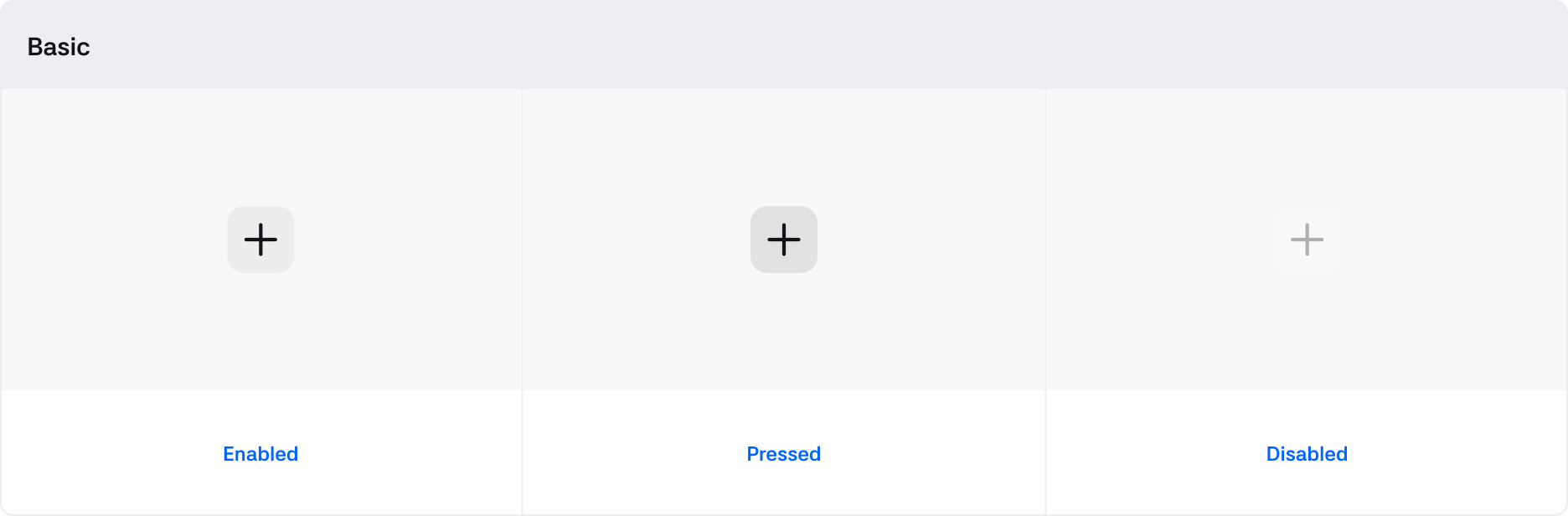
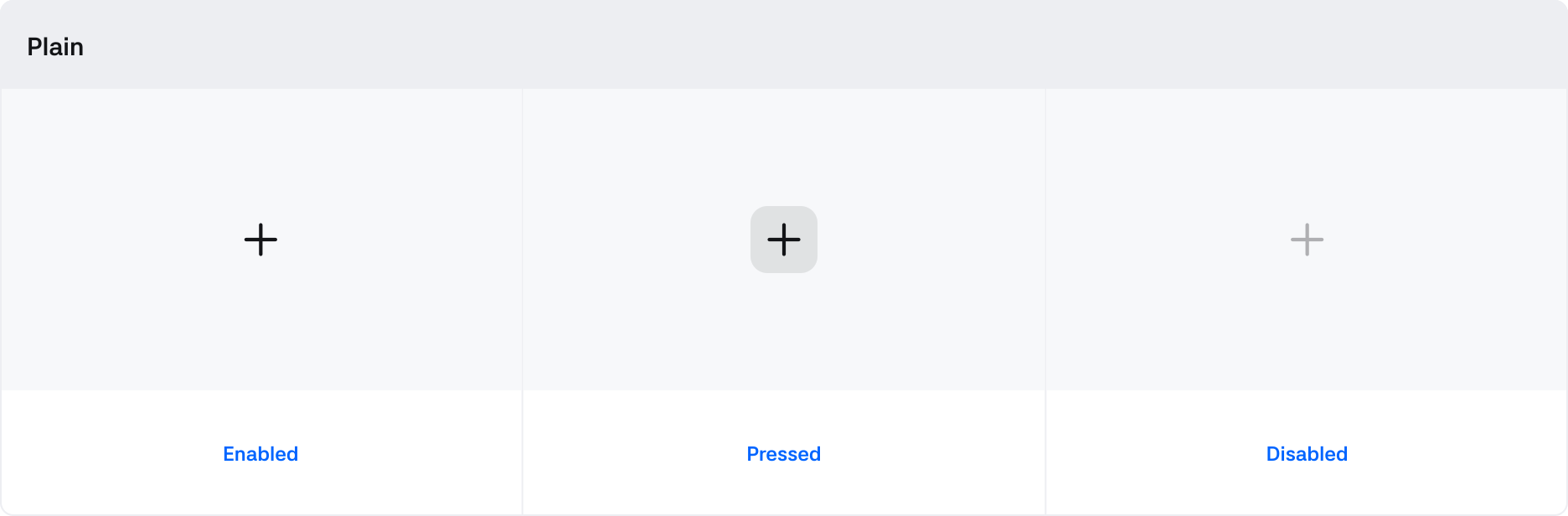
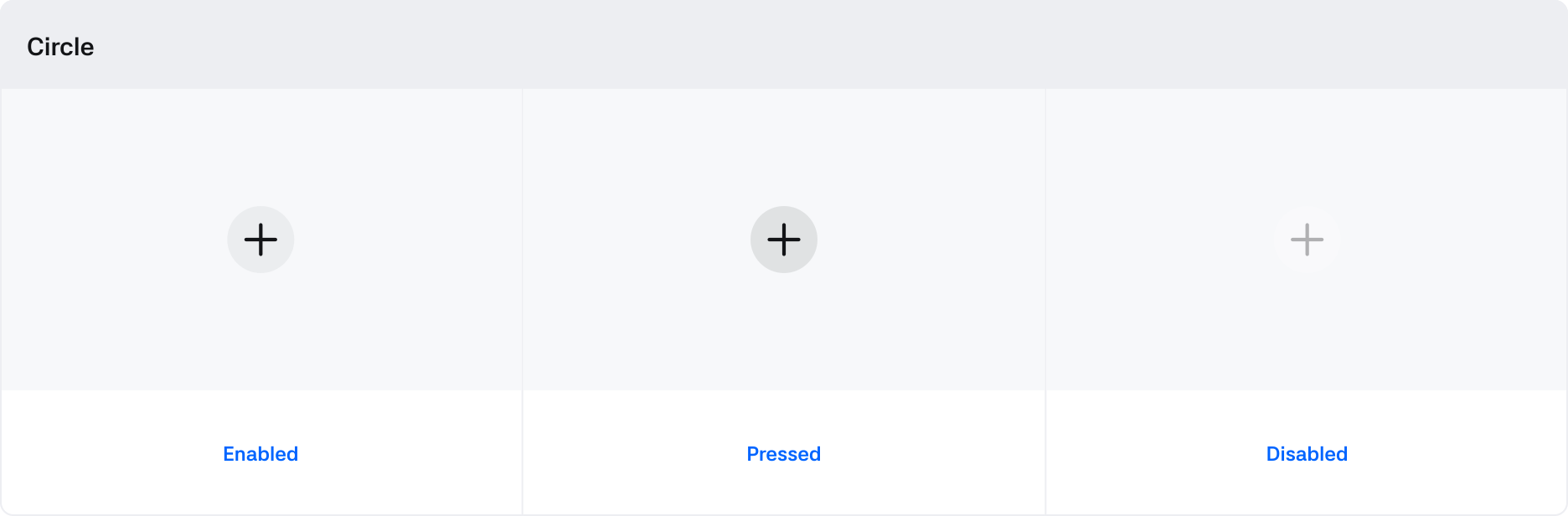
| Pressed | Boolean | False | Set to True when the window is draggable |
| Disabled | Boolean | * | If True, Button is in an uncontrollable state |
Properties
| State | Value | Description |
|---|---|---|
| Style | Basic, Plain, Circle | You can select the button style. |
| Size | Large, Medium, Small | You can select and use button size options. |