Keypad
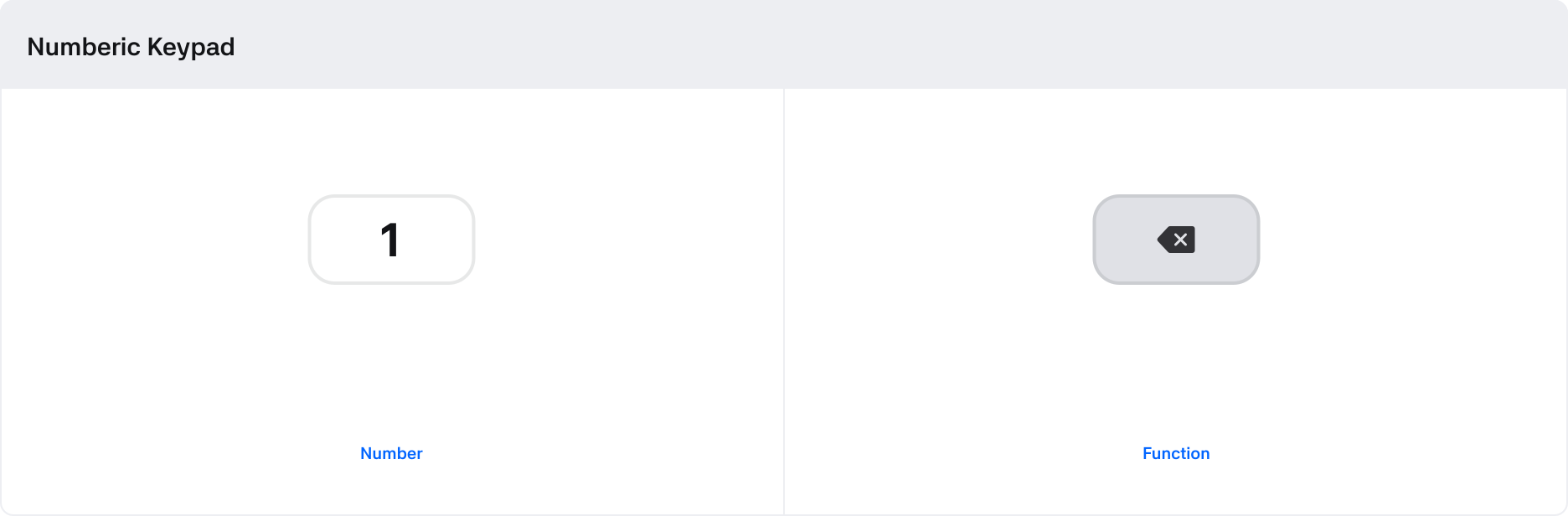
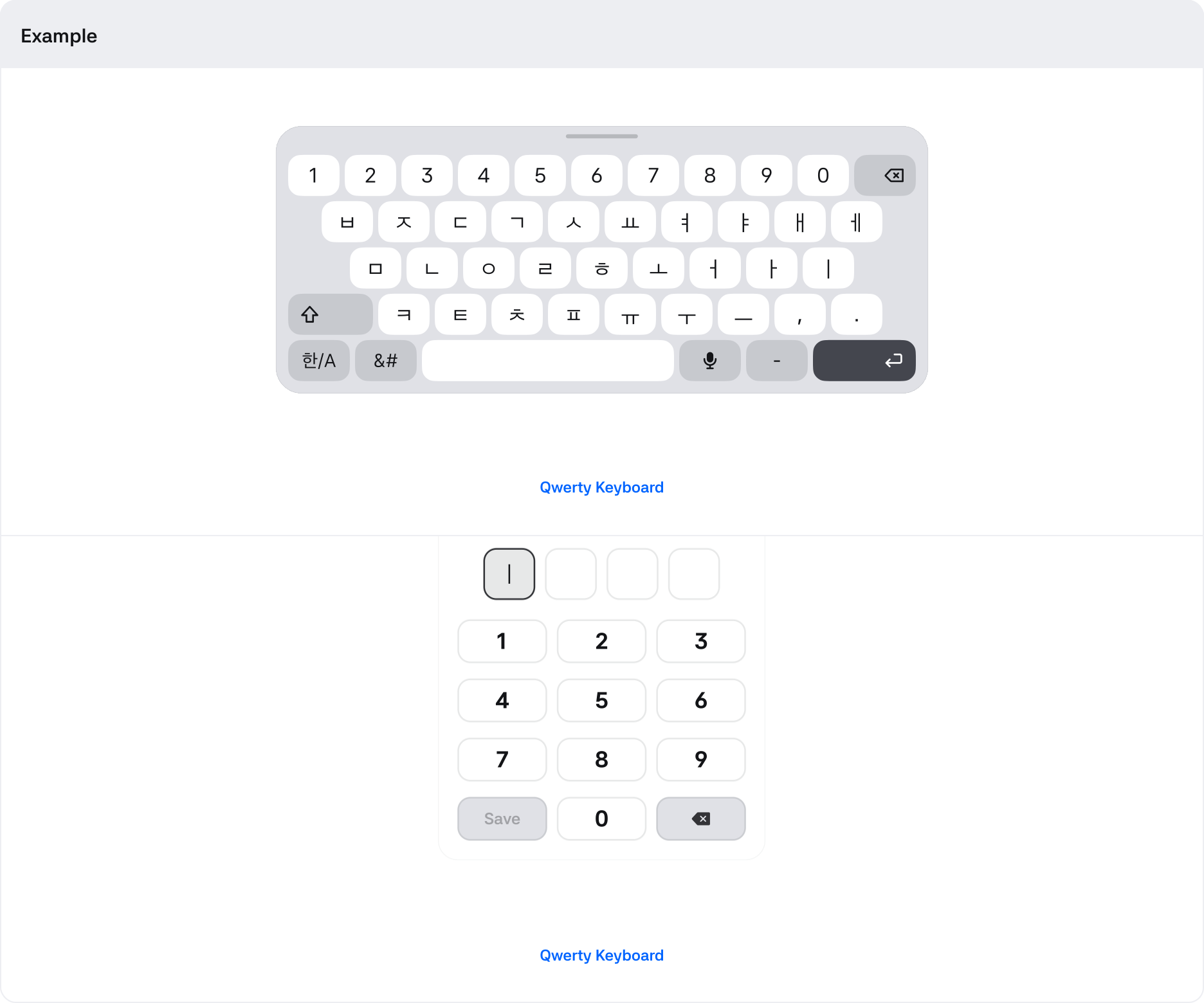
The keypad is used to enter information such as numbers and text that are required to use the service.

1. Root : The top-level container area that wraps the button
2. Label : Button label
3. Icon(Prefix) : An icon area that provides a visual supplement to the label
4. Icon(Suffix) : An icon area that provides a visual supplement to the label
States
| State | Value | Default | Description |
|---|---|---|---|
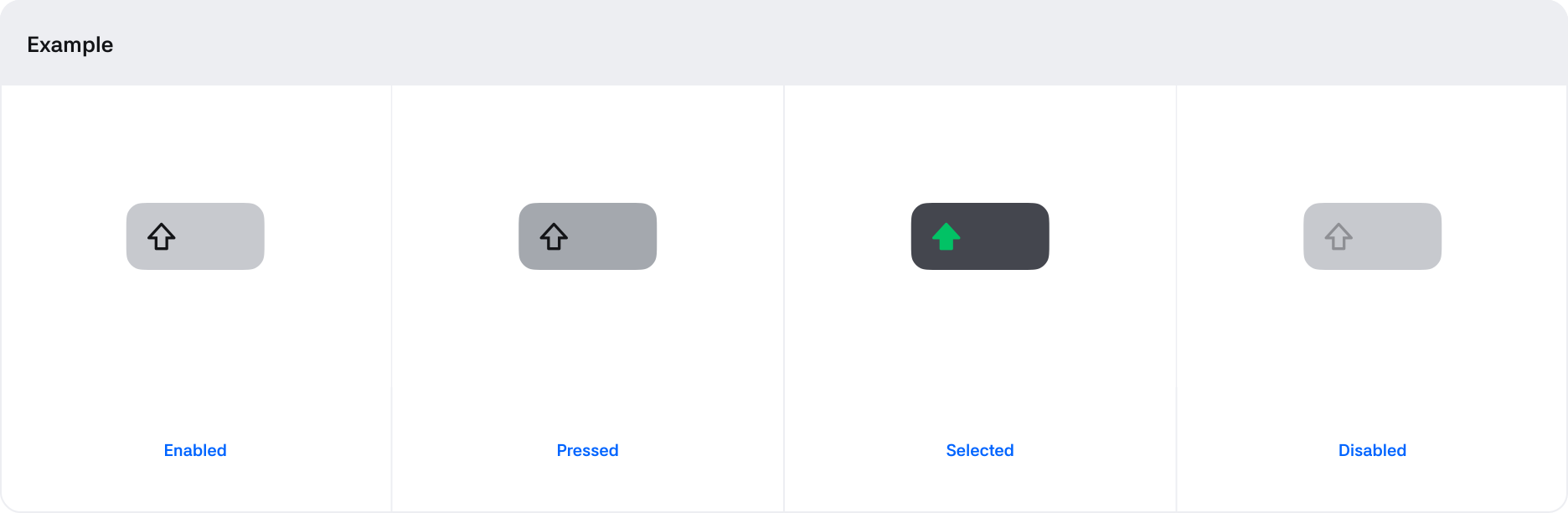
| Pressed | Boolean | False | Switches to True when in a touch state |
| Pressed | Boolean | False | Switches to True when the window is draggable |
| Disabled | Boolean | * | If True, Button is in an uncontrollable state |
Properties
| State | Value | Description |
|---|---|---|
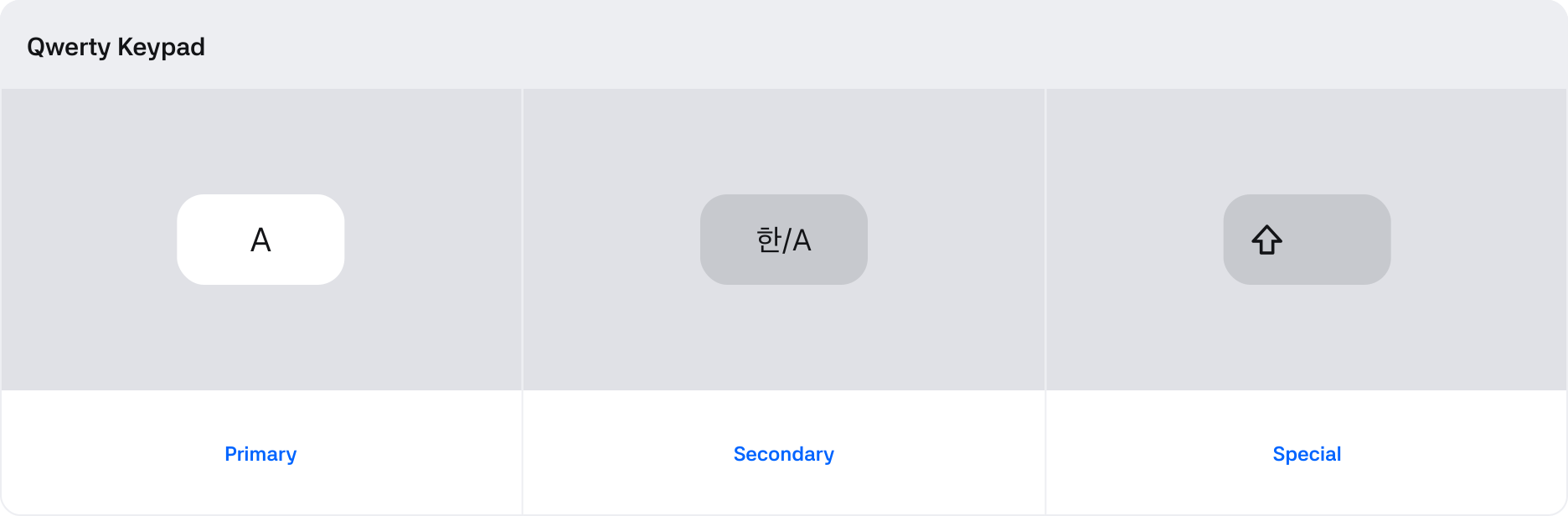
| Keypad | Primary, Secondary, Special | You can select different types depending on the role of the keyboard. |
| Keyboard | Text, Voice | Supports text input via keypad or voice. |