Toggle button
This is a toggle button that supports On/Off states, and is useful for conveying state when multiple options need to be provided.
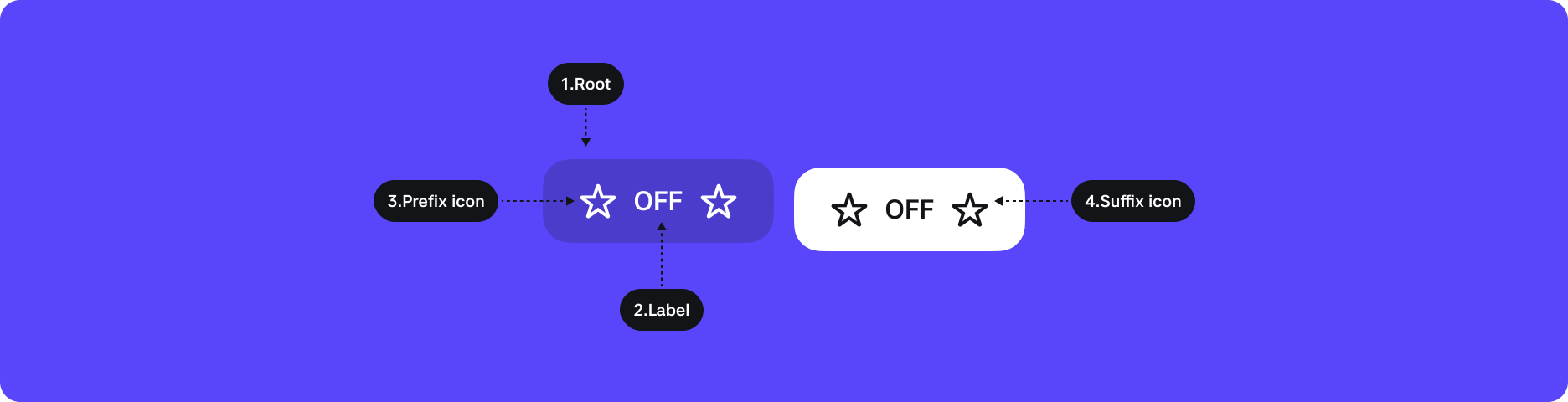
1. Root : The top-level container that wraps the button
2. Label : Button label
3. Icon(Prefix) : Icon providing additional visual context for the label
4. Icon(Suffix) : Icon providing additional visual context for the label
States
| State | Value | Default | Description |
|---|---|---|---|
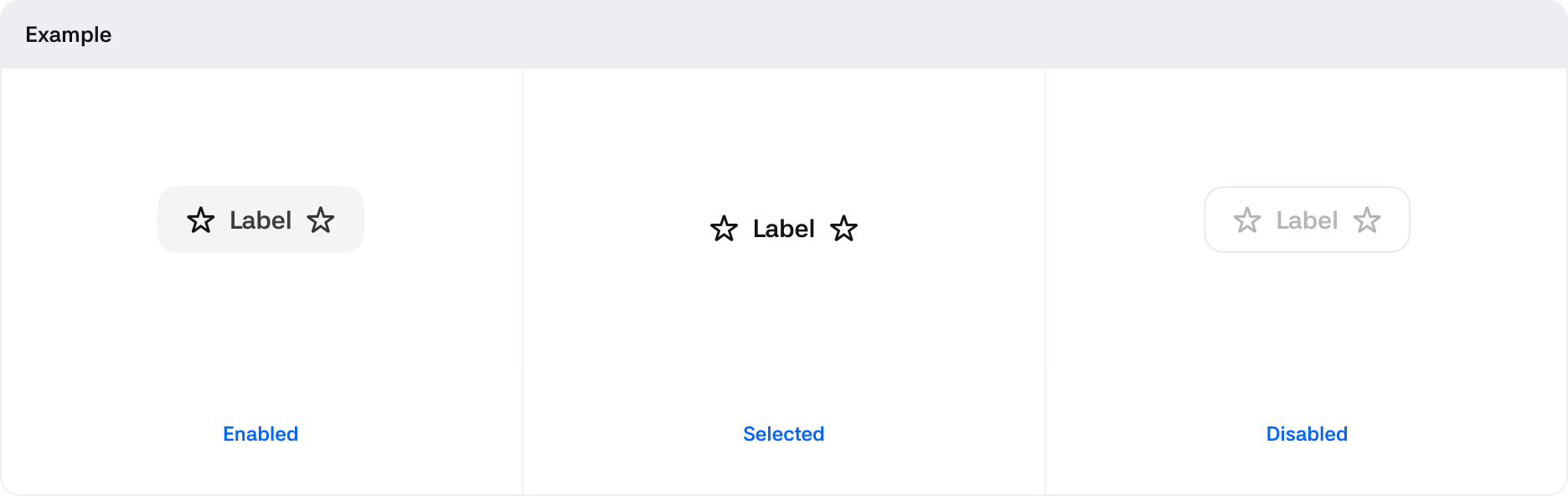
| Toggled | Boolean | False | Changes to True when the toggle button is activated. The default value is False. |
| Pressed | Boolean | False | Changes to True when in a draggable window. |
| Disabled | Boolean | * | When True, the button is in a disabled state and cannot be controlled. |
Properties
| State | Value | Description |
|---|---|---|
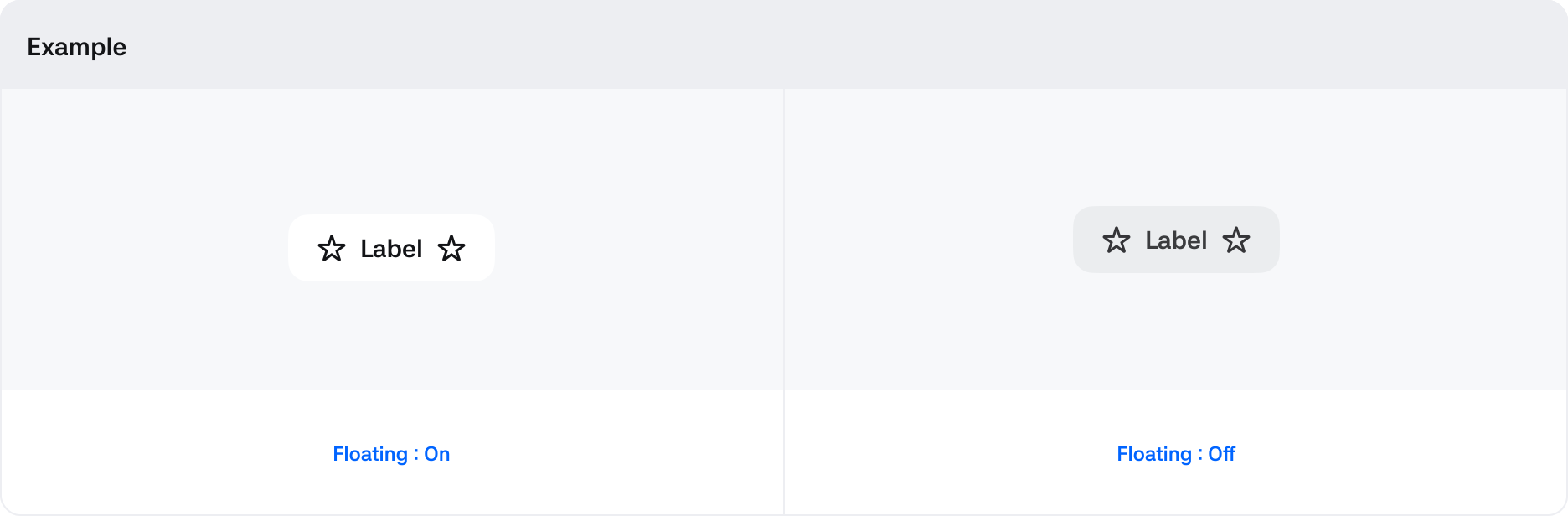
| Floating | Boolean | Displayed with shadow or color depending on the background style. |
| Size | Large, Medium, Small | You can choose size options for the button. |