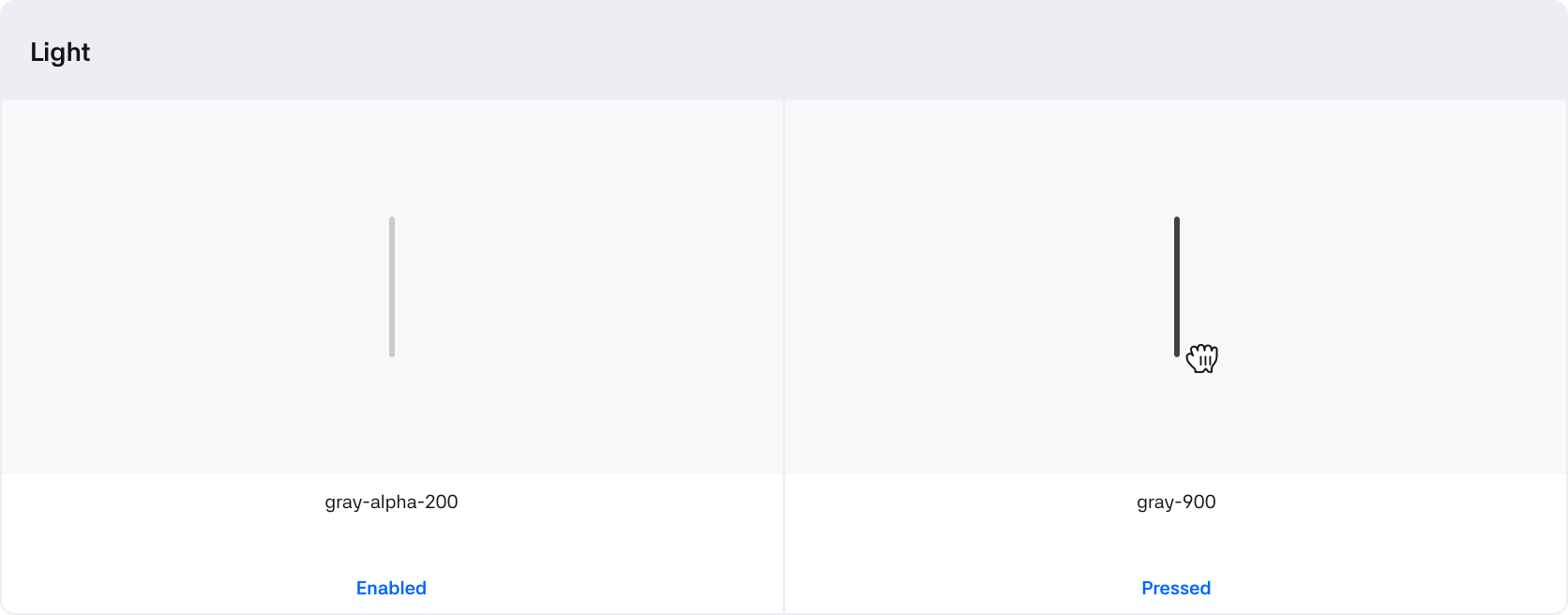
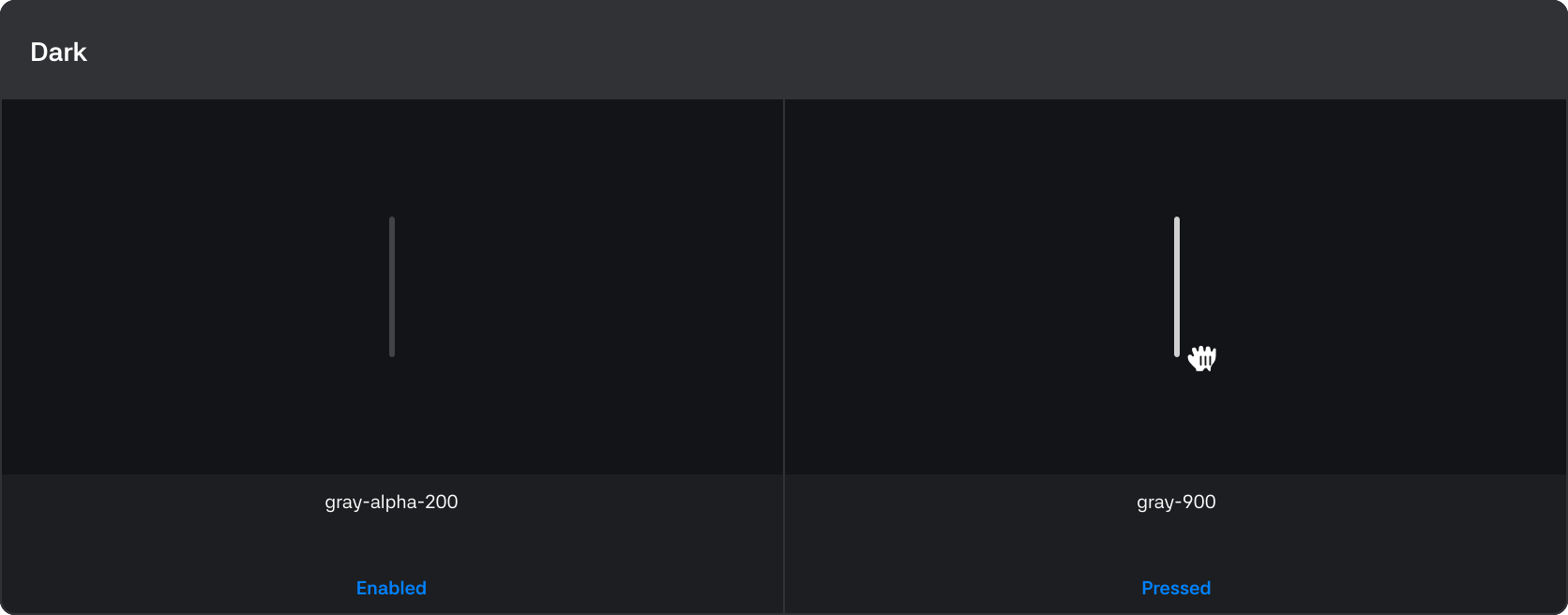
Bar
An element used to adjust the size or position of the app screen within the display, or to manipulate content.
States
| State | Value | Description |
|---|---|---|
| Variant | Light / Dark | Switches based on the type defined by the app |
| Dragging | True / False | Changes to 'True' when it is a draggable window |
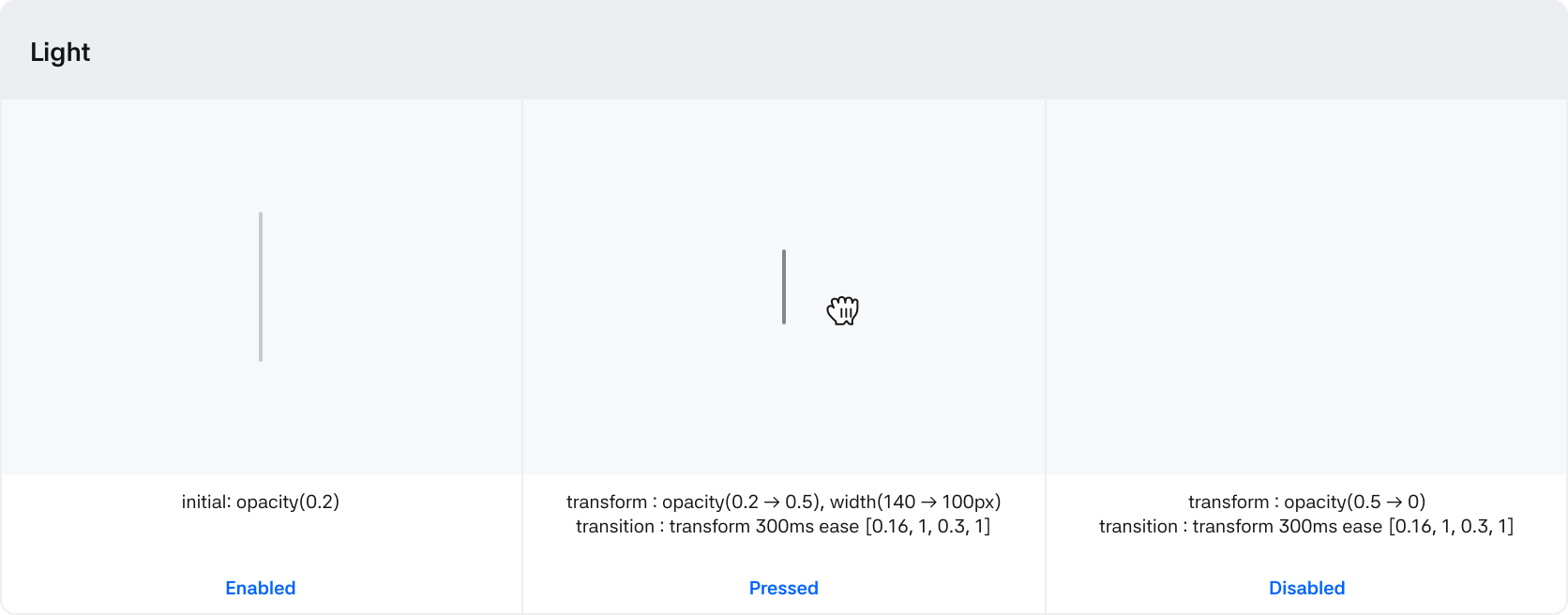
| Disabled | True / False | If True, the handle is hidden and the drag cannot be controlled |
| Pressed | True / False | The state when the handle is grabbed and dragging begins |
Types
| Types | Description |
|---|---|
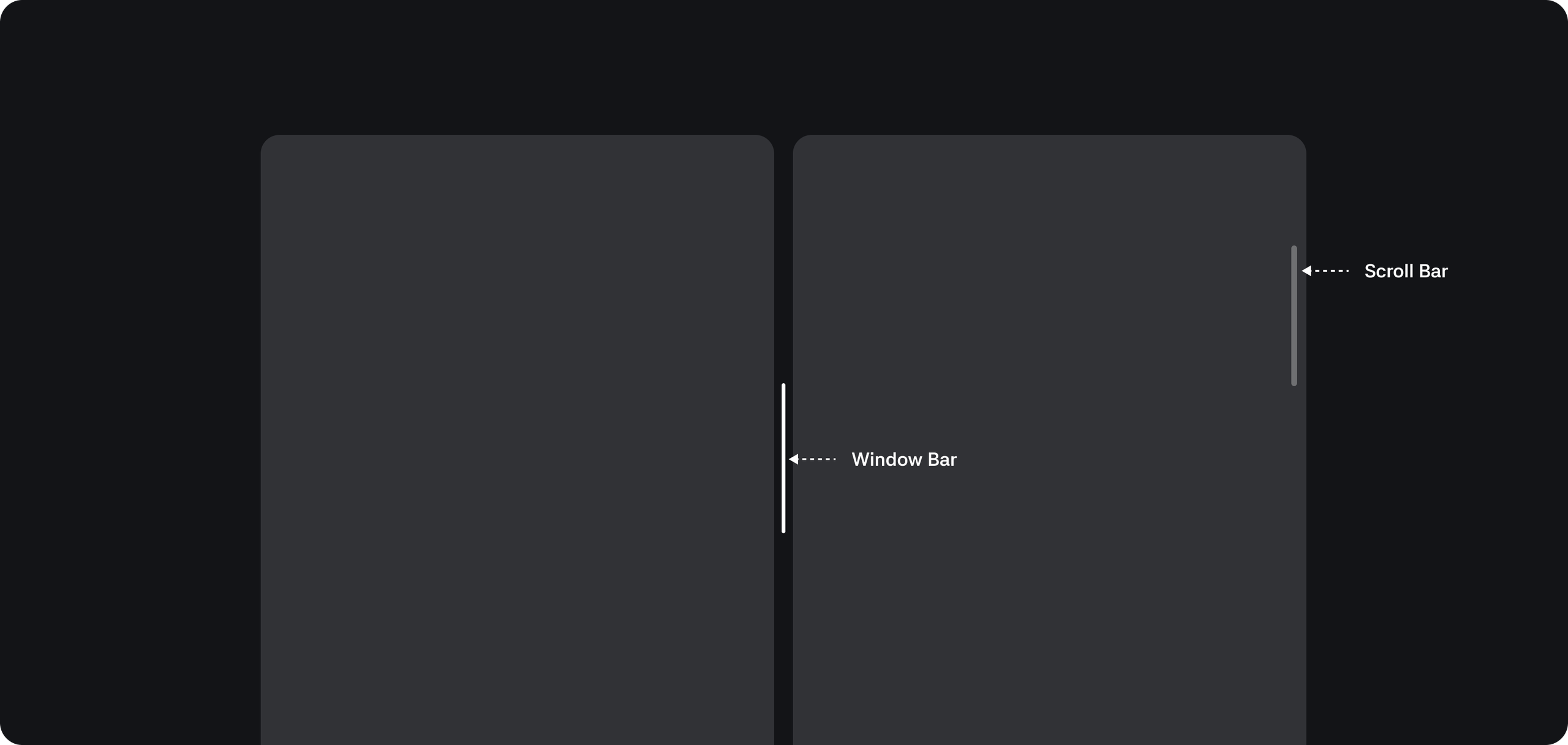
| Window bar | A component for adjusting the app's window size |
| Scroll bar | A component for navigating the app's content |
Window bar

1. Root : The top-level container area that wraps the window bar component
2. Control : The container area that wraps the handle and the minimum drag area
3. Handle : A control element that can be dragged
Behaviors
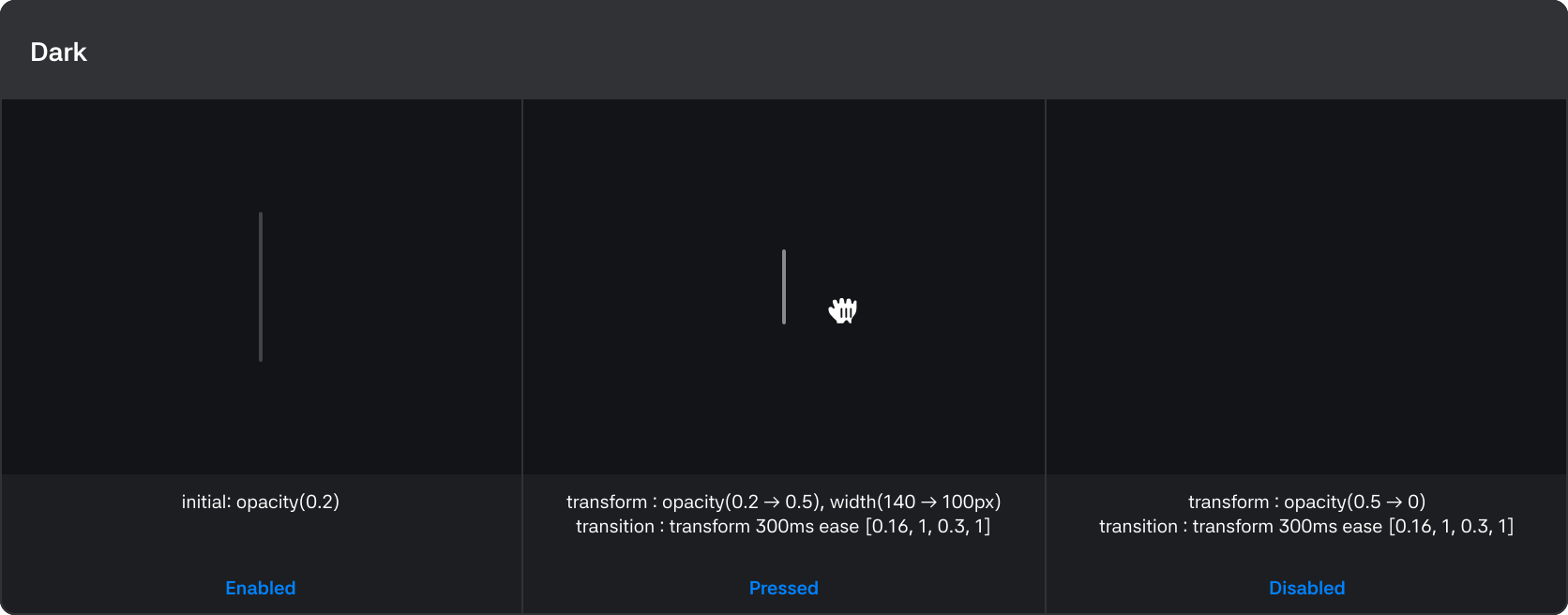
Scroll bar

1. Root : The top-level container area that wraps the scroll bar component
2. Control : The container area that wraps the handle and the minimum drag area
3. Handle : A control element that can be dragged
Behaviors