Controllers
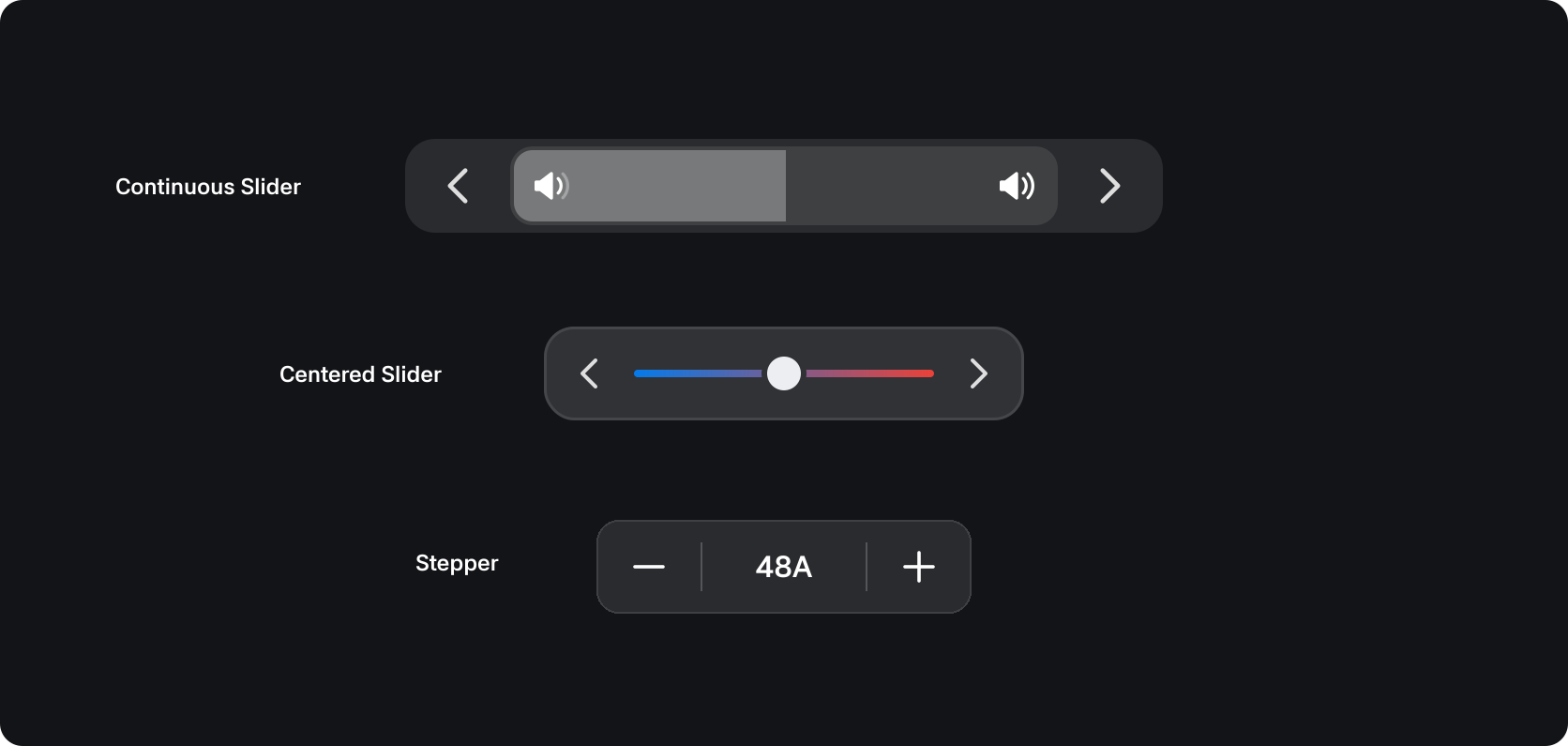
Controllers are components with a minimum and maximum value that allow attributes like volume or temperature to be adjusted using a slider or clicks.
States
| State | Value | Description |
|---|---|---|
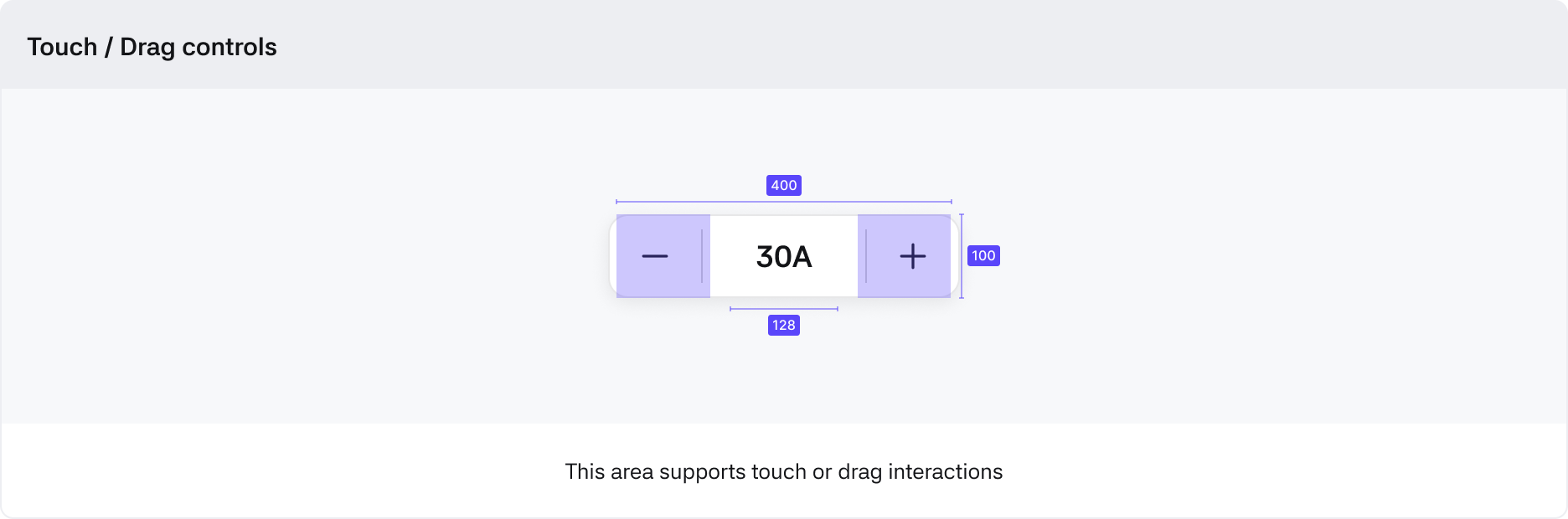
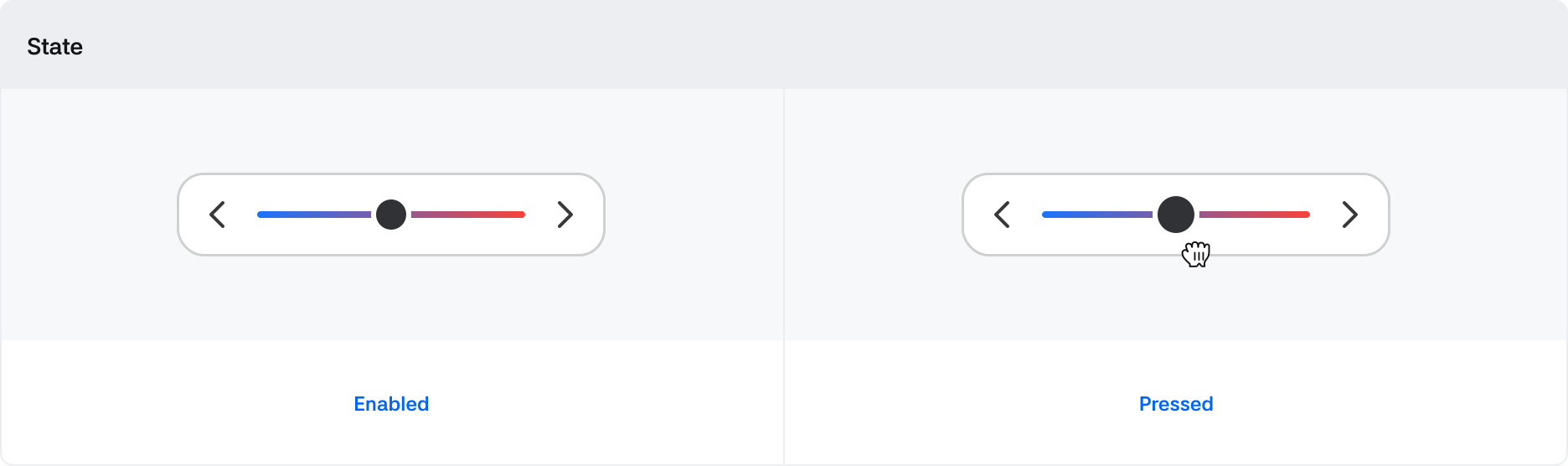
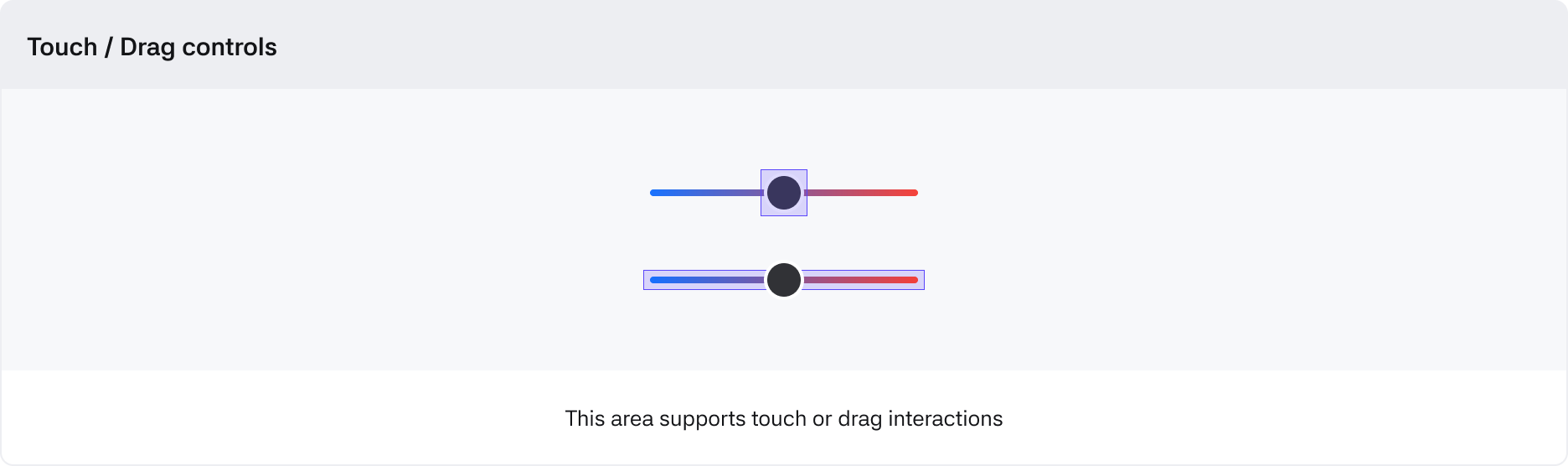
| Pressed or Dragging | True / False | State when pressing begins in the Handle area |
Options
| Options | Value | Description |
|---|---|---|
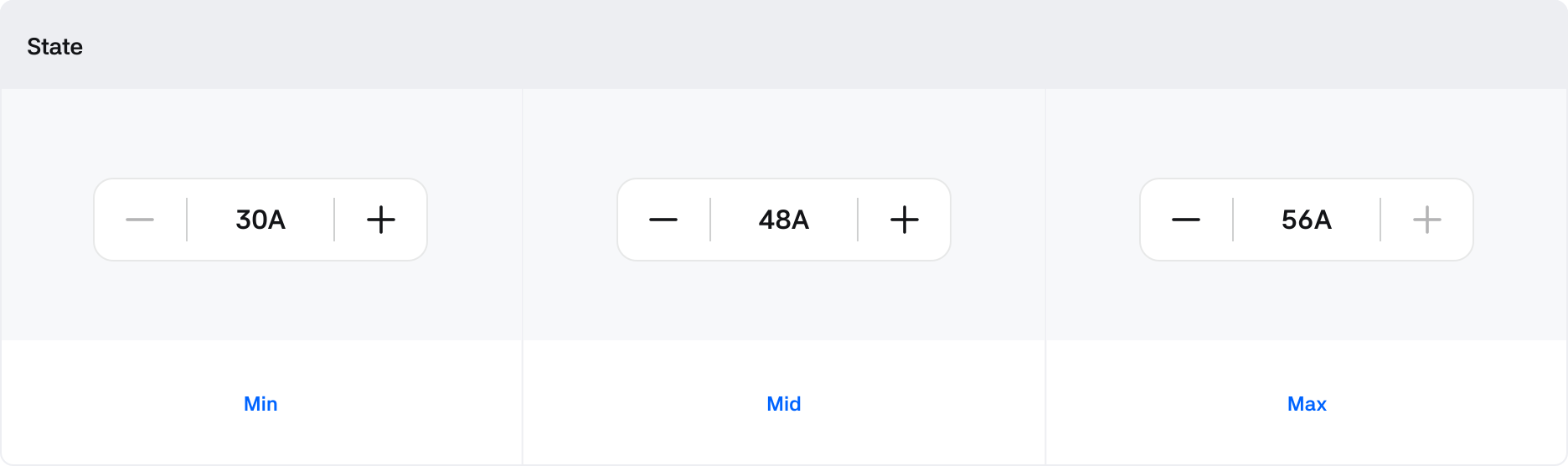
| Disabled | True / False | Changes to True when it reaches the Min or Max value |
| MinValue | Number | Minimum value designated for the slider |
| MaxValue | Number | Maximum value designated for the slider |
| Step | Number | Value that specifies the steps to control the slider |
Continuous Slider
Anatomy
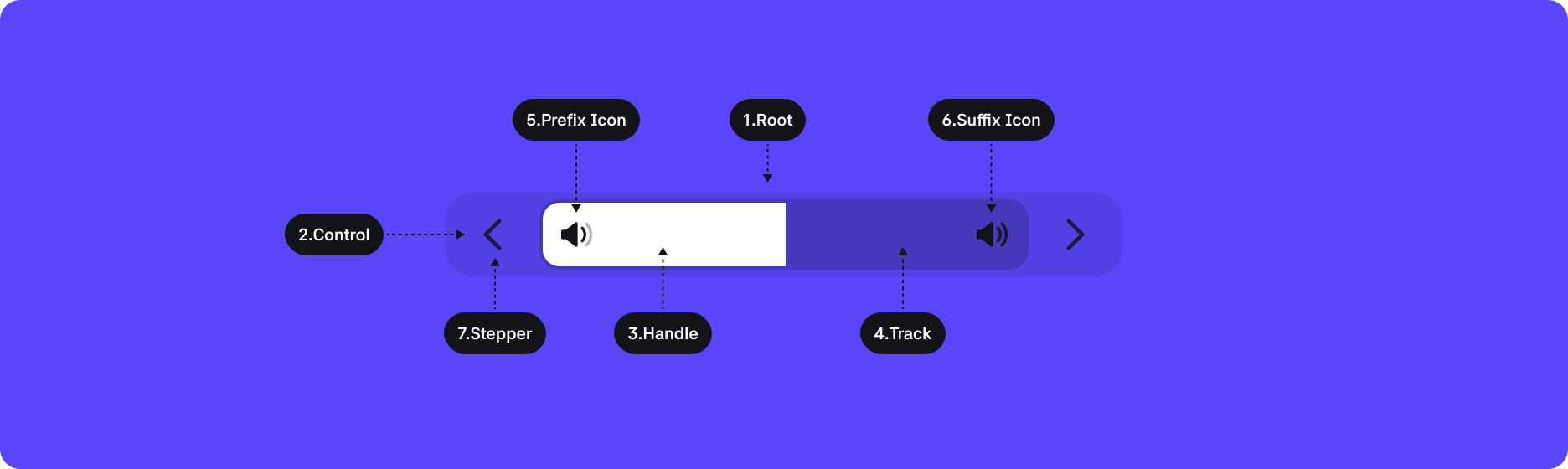
1. Root : Top-level container area wrapping the slider component
2. Control : Container area wrapping the track and handle of the slider
3. Handle : A control element that the user can drag
4. Track : Element that represents the area in which the handle can move
5. Icon(Prefix) : Optional icon area providing visual explanation of the label
6. Icon(Suffix) : Icon area providing visual explanation of the label
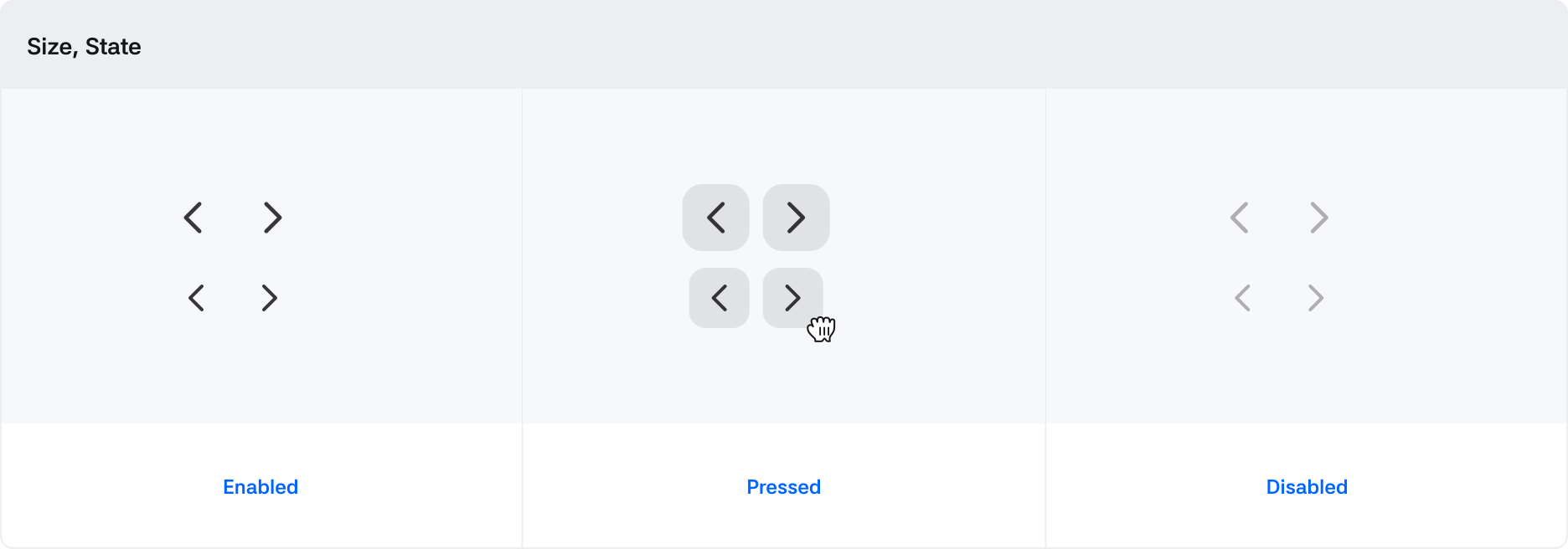
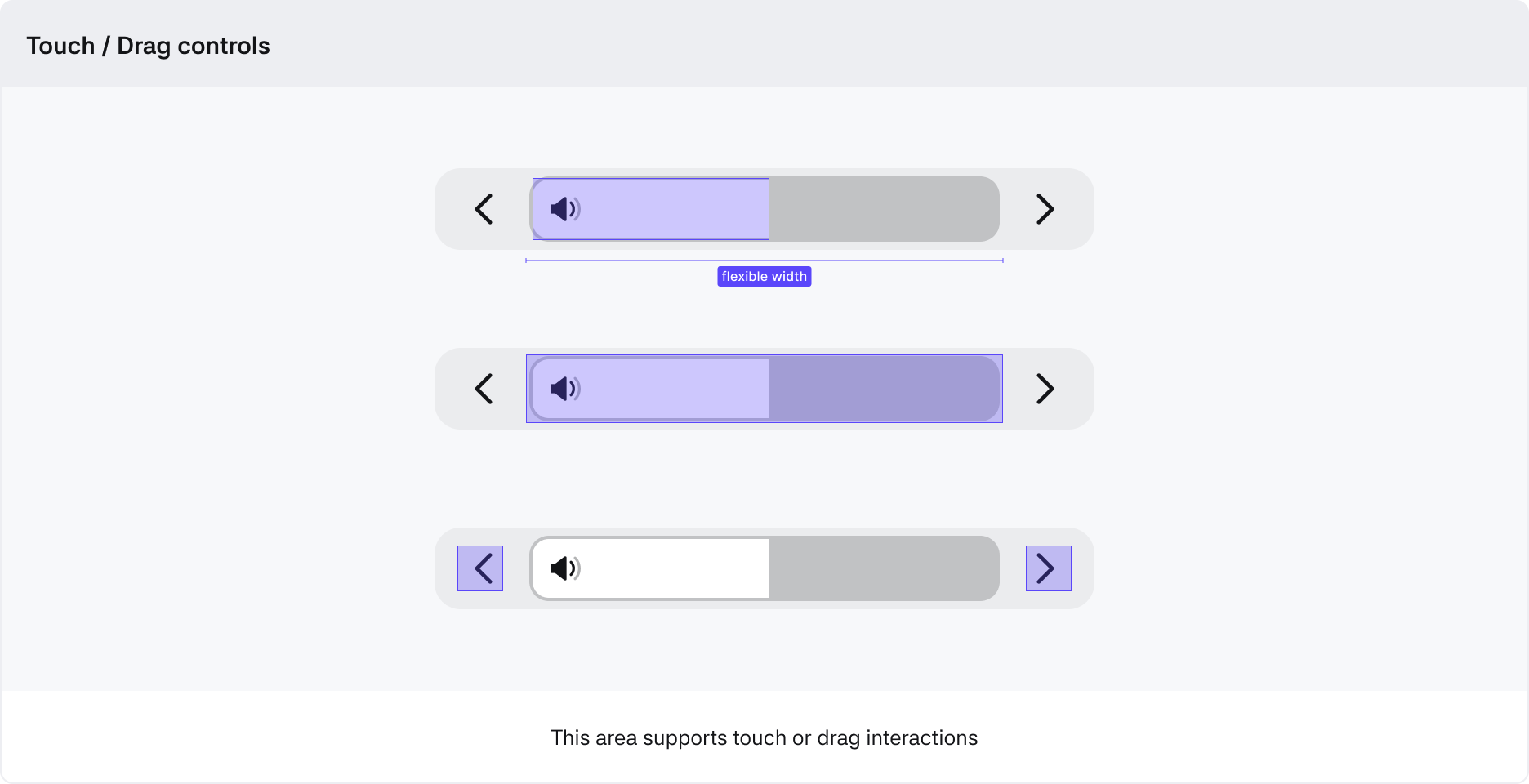
7. Stepper : Control element that can adjust the handle by pressing buttons
Behaviors
Slider
Basic
Used as a general slider.

Floating
Used in areas needing contrast from a light or indistinct background.

Buttons
Volume
Max 100%

High 76~100%

Mid 26~75%

Low 1~25%

Min 0%

Optional
Label True/False

Icon True/False

Control
Centered Slider
Anatomy
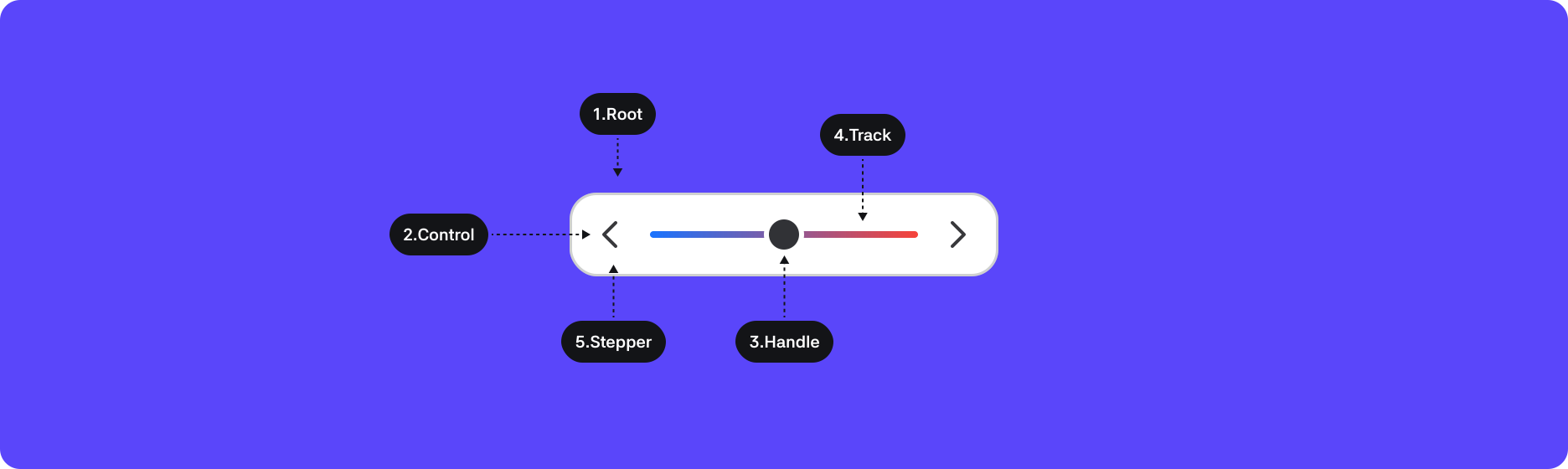
1. Root : Top-level container area wrapping the slider component
2. Control : Container area wrapping the track and handle of the slider
3. Handle : A control element that the user can drag
4. Track : Element that represents the area in which the handle can move
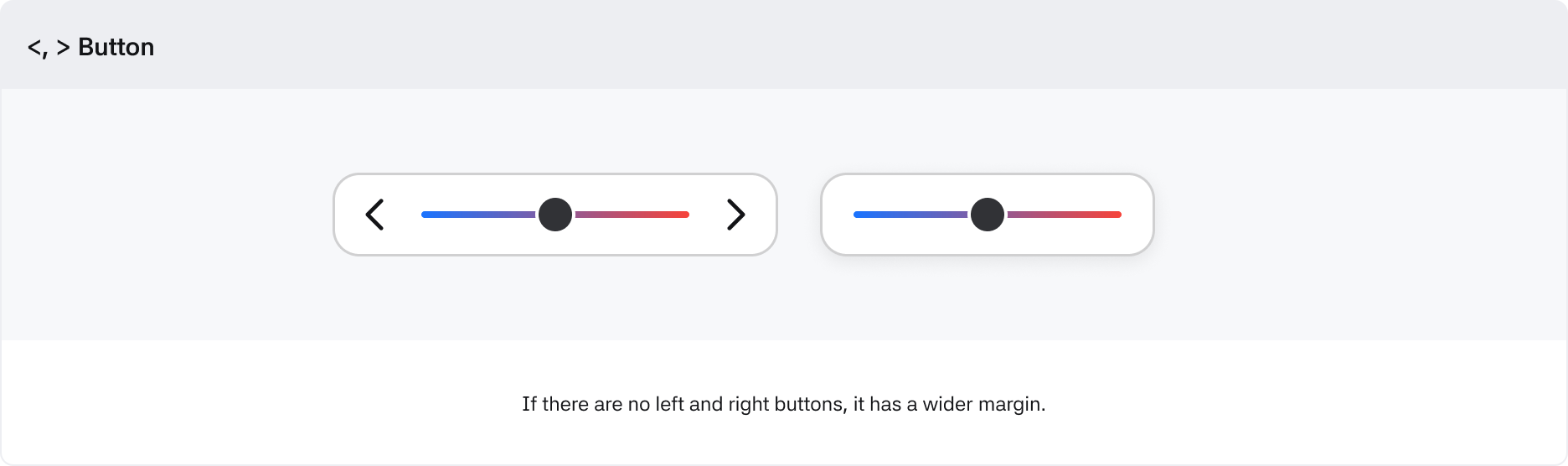
5. Stepper : Control element that can adjust the handle by pressing buttons
Behaviors
Slider
Track

Stepper
Anatomy

1. Root : Top-level container area wrapping the stepper component
2. Current value : Container area wrapping the current value and step buttons
3. i++ : Control element that increases the stepper value
4. i-- : Control element that decreases the stepper value
Behaviors