Dropdown
An element used to navigate or modify desired menu properties.
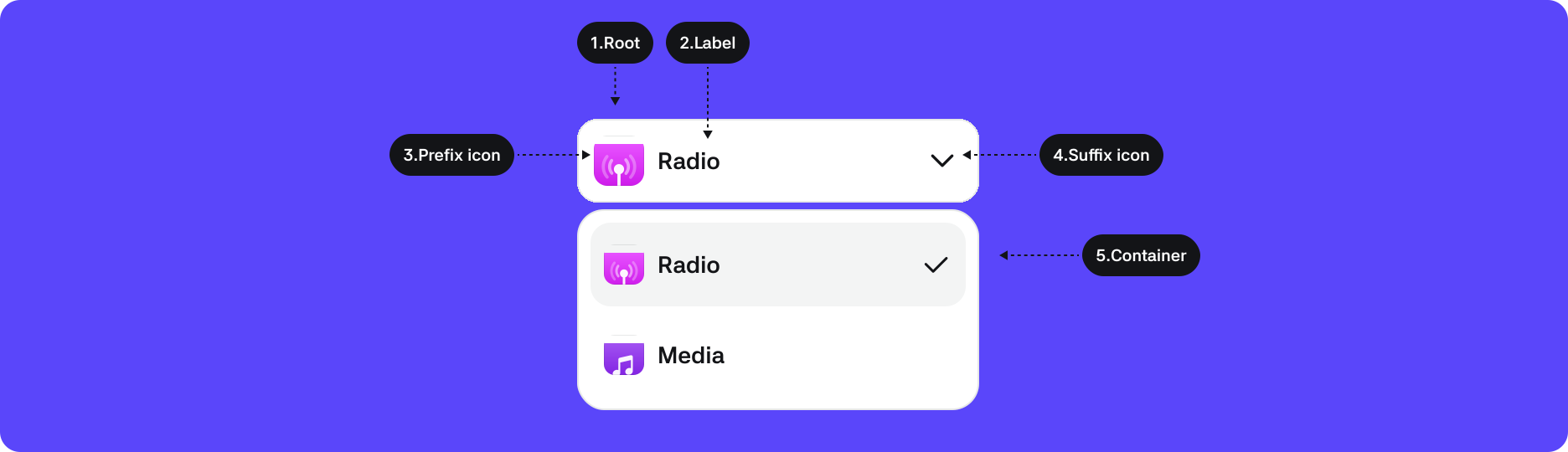
1. Root : The top-level container area that wraps the Dropdown component
2. Label : Button label
3. Prefix : Area for options provided at the beginning of the menu
4. Suffix : Area for options provided at the beginning of the menu
5. Container : Area that contains the Dropdown element
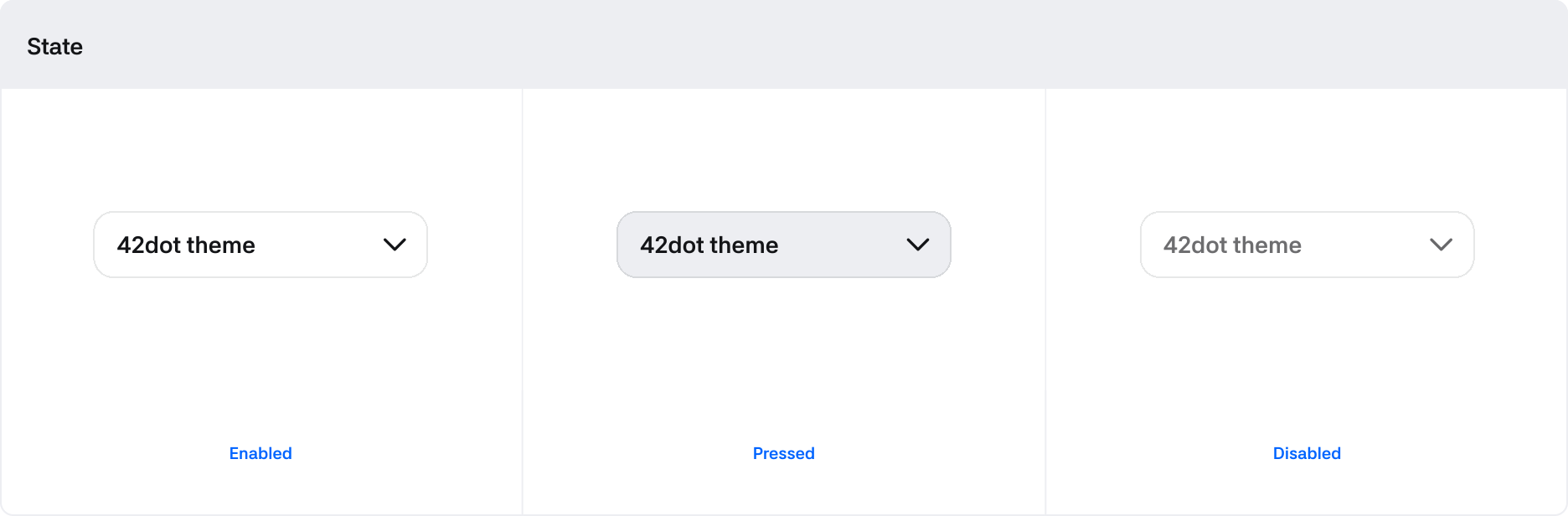
States
| States | Value | Description |
|---|---|---|
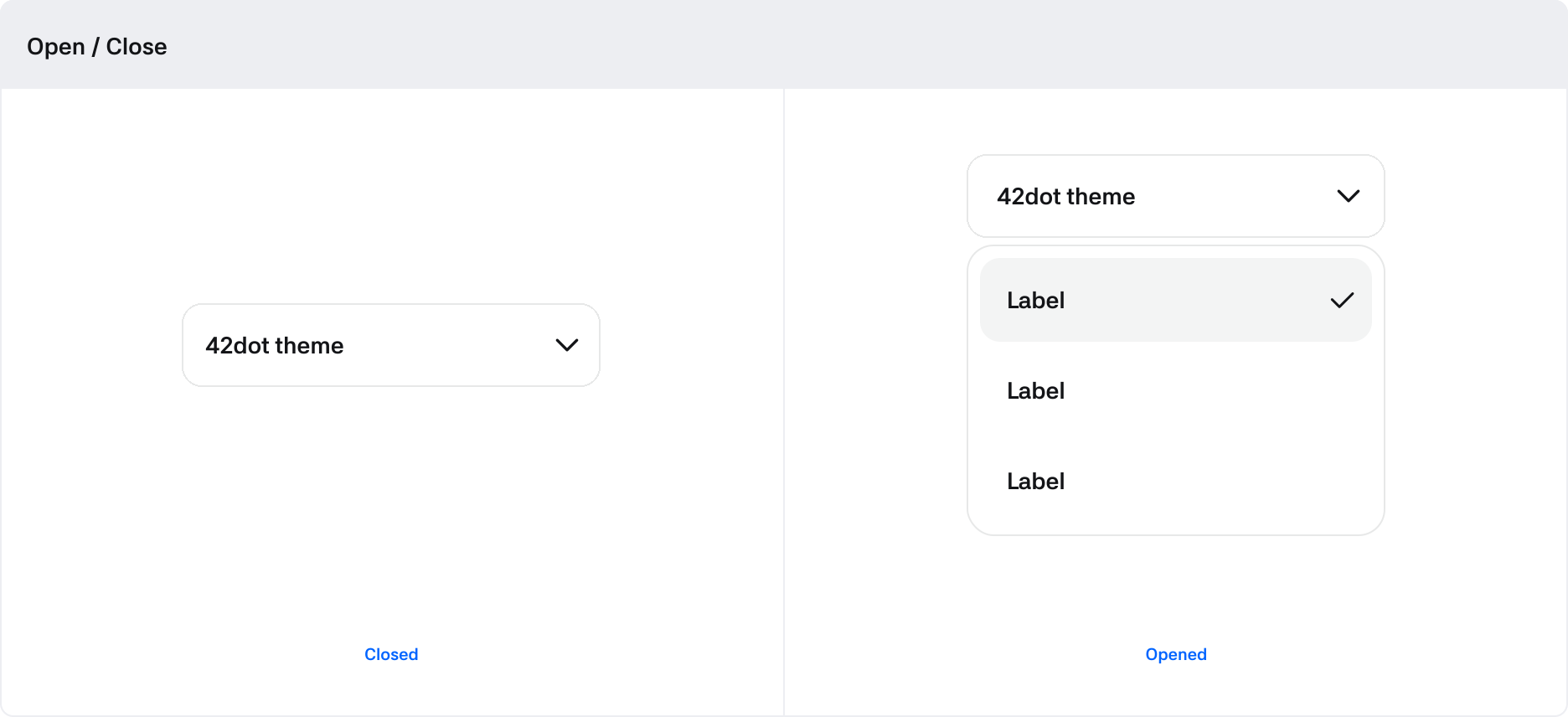
| Opened | Boolean | Switches to True when the dropdown container is open |
| Pressed | Boolean | Switches to True when being clicked by touch |
| Disabled | Boolean | If True, the Dropdown is in a non-interactable state |
Properties
| Property | Value | Description |
|---|---|---|
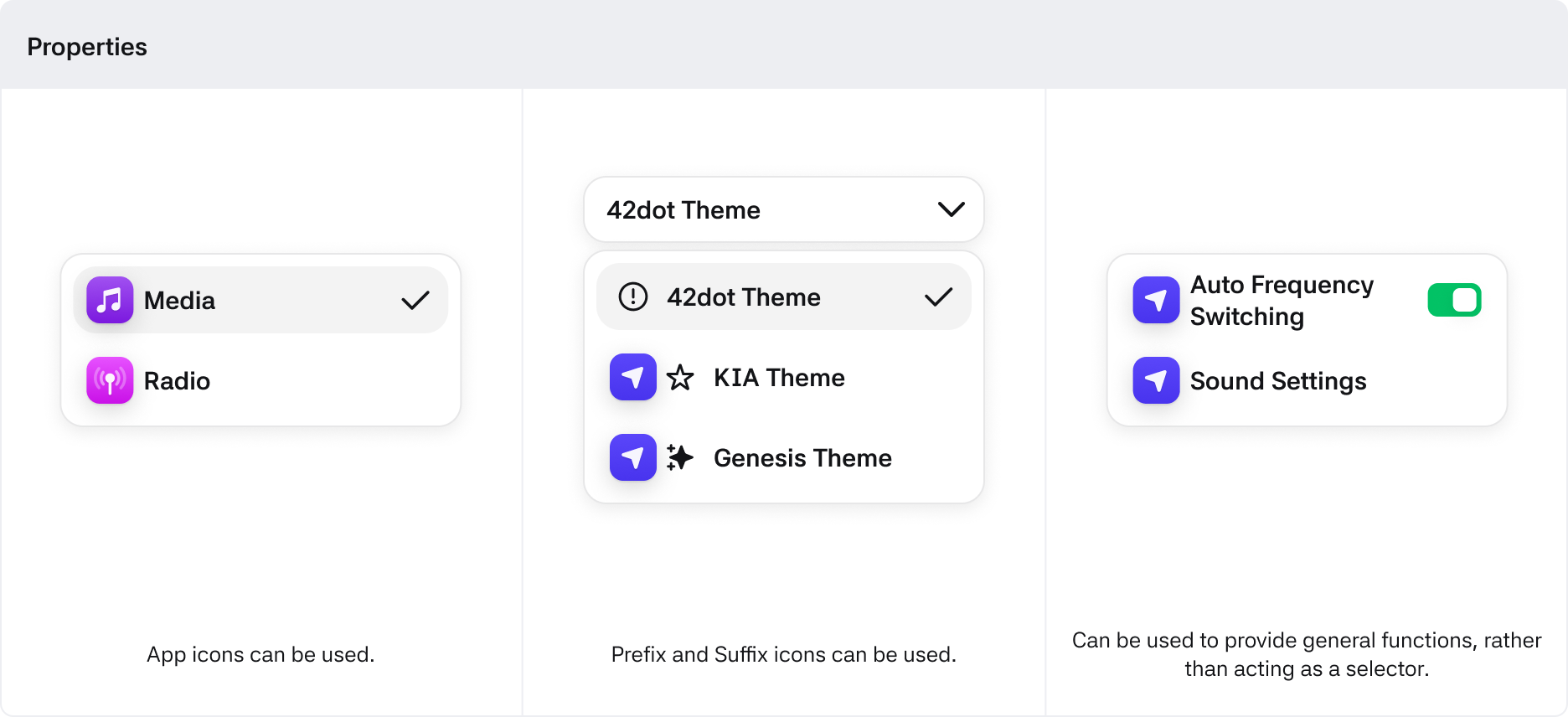
| Prefix | App Icon, Icon | Options provided at the beginning of the menu |
| Suffix | Switch, Icon | Options provided at the end of the menu |
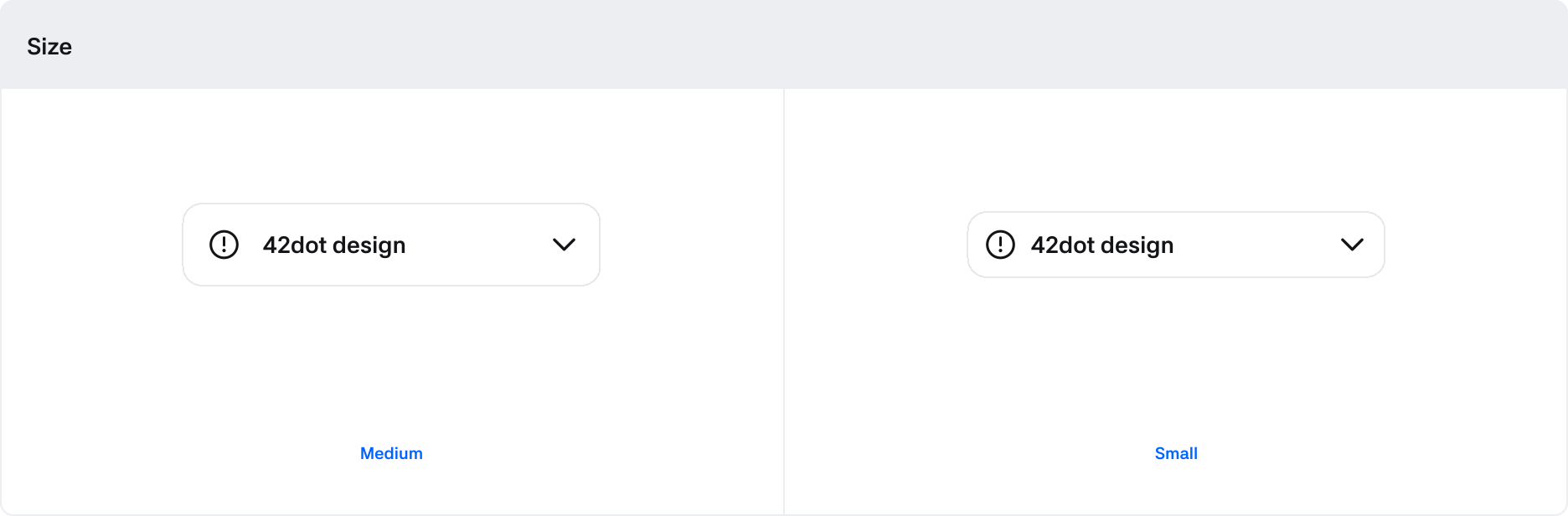
| Size | Medium, Small | Size options for the Dropdown and container items |