Global Navigation Bar (GNB)
The Global Navigation Bar (GNB) is an area for quickly executing essential functions for using Pleos Connect.

1. Vehicle control for driver : Climate control area for the driver and passenger seats
2. Application control : Area for operating in-vehicle installed apps
3. Vehicle control for passenger : Climate control area for the passenger seat
Control area
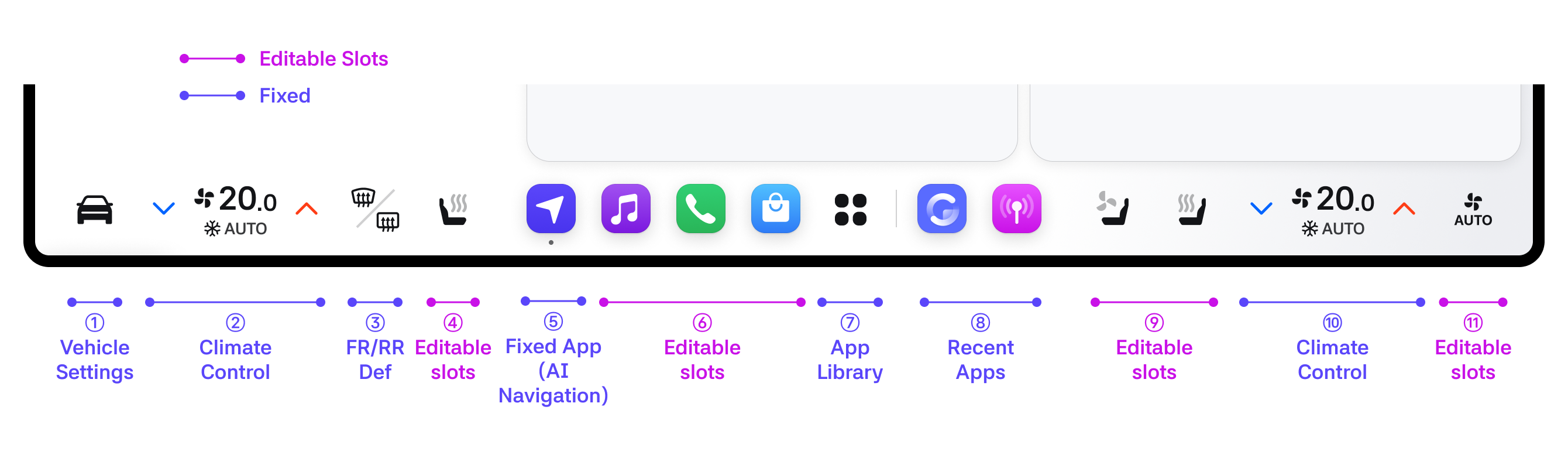
1. Vehicle settings : Navigate to Vehicle settings (not editable)
2. Climate control : Tapping this area displays the Climate panel. Tapping it again closes the Climate panel.
3. FR/RR Def : FR/RR Def toggles. When touched, a mini popup is displayed, allowing individual control of FR/RR through the mini popup.
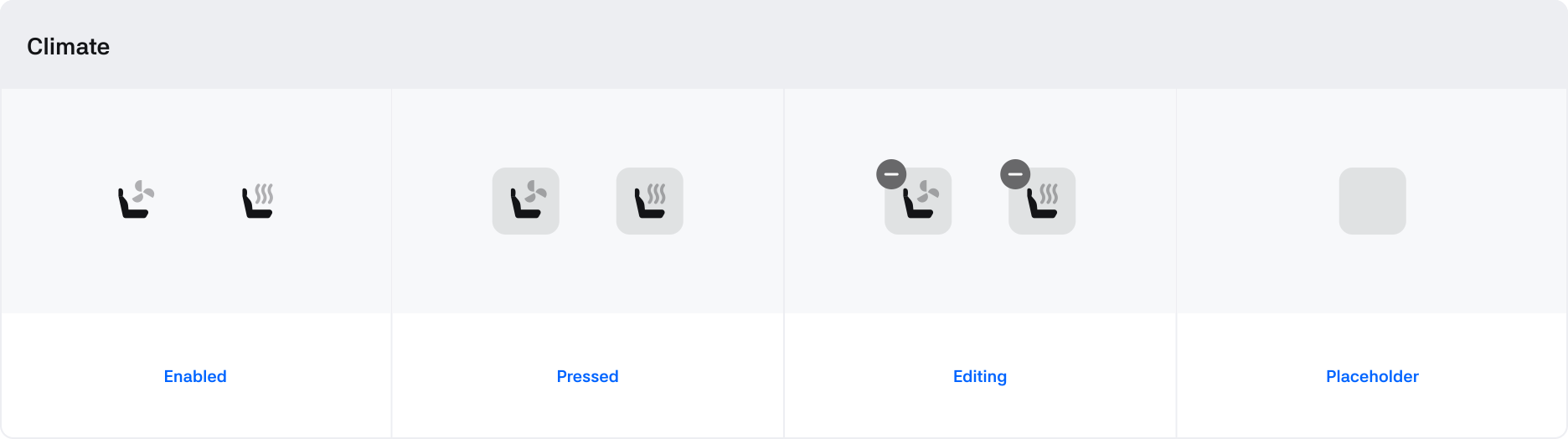
4. Editable slots : The driver can edit this area to place preferred apps. By default, it is configured with the driver's seat heater (or seat ventilation) app.
5. Fixed app : Fixed as Navigation. Position changes within the Center area are possible.
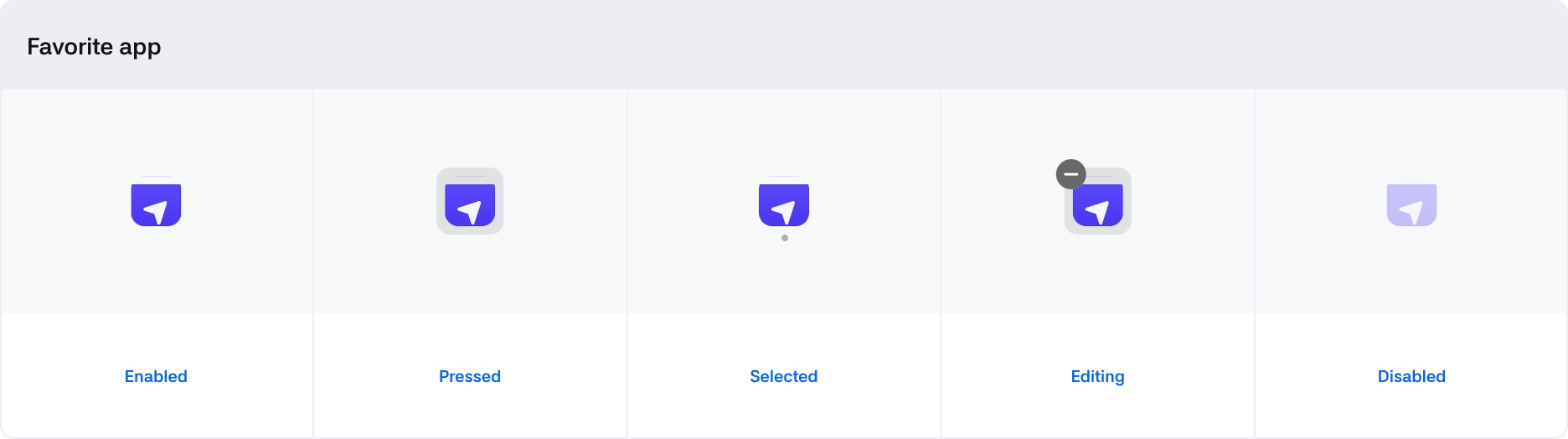
6. Editable slots : The driver can register up to 3 preferred apps in this area. Apps or climate shortcuts can be registered. The default configuration includes Bluetooth Music, Phone, and App Market apps.
7. App library : Touching the icon displays the App library panel. When touched again while the App library panel is open, the panel closes.
8. Recent apps : Displays the two most recently used apps. The most recent app is shown on the left. Apps in the Editable slots are not shown in recent apps.
9. Editable slots : The passenger can edit this area to place preferred apps. The default configuration includes the passenger seat ventilation and seat heater apps.
10. Climate control : Operates the same as the driver's Climate control.
11. Editable slots : The passenger can edit this area to place preferred apps. The default configuration includes the Auto app.
***
GNB Edit

How to enter edit mode
- From the GNB: Long-press the Editable slots area.
- From the App library: Long-press the climate shortcut or app icon in the App library.
Editable areas in GNB
- Climate shortcuts or app icons can be placed in any area defined as Editable slots.
- Fixed apps cannot be deleted but their positions can be changed.
- For configurations that do not support Fixed apps, one Editable slot is added.
- The Recent apps area cannot be edited.
App Library Editing Guide
- Climate shortcut area: Can be moved but not deleted.
- Icons can be dragged into the GNB.
- Shortcuts already placed in the GNB are shown as uneditable and cannot be selected.
- App area: Can be deleted and moved.
- You can delete apps by pressing the delete icon.
- Apps can be dragged into the GNB.
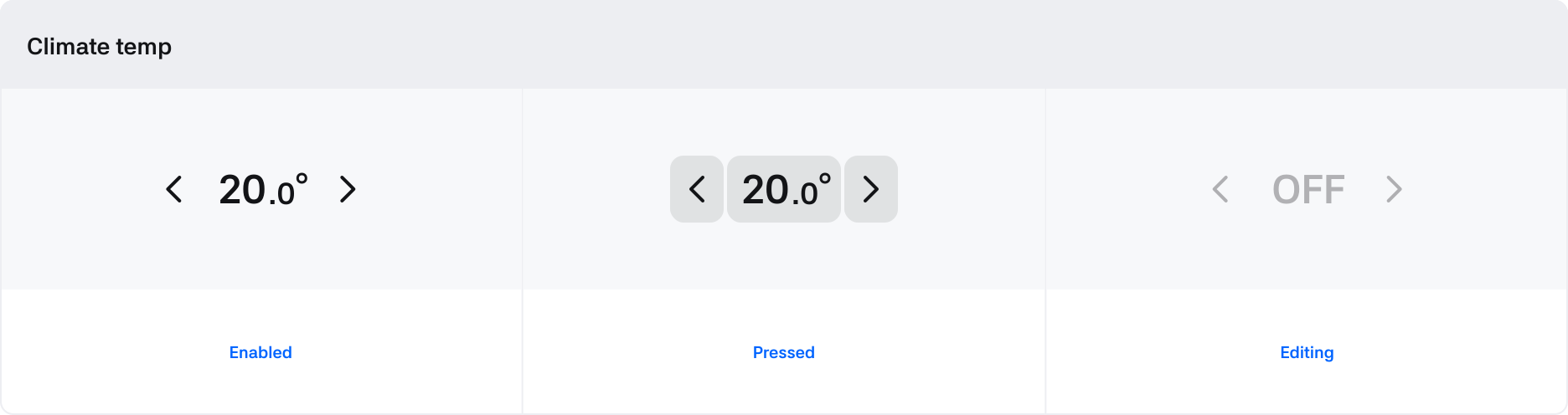
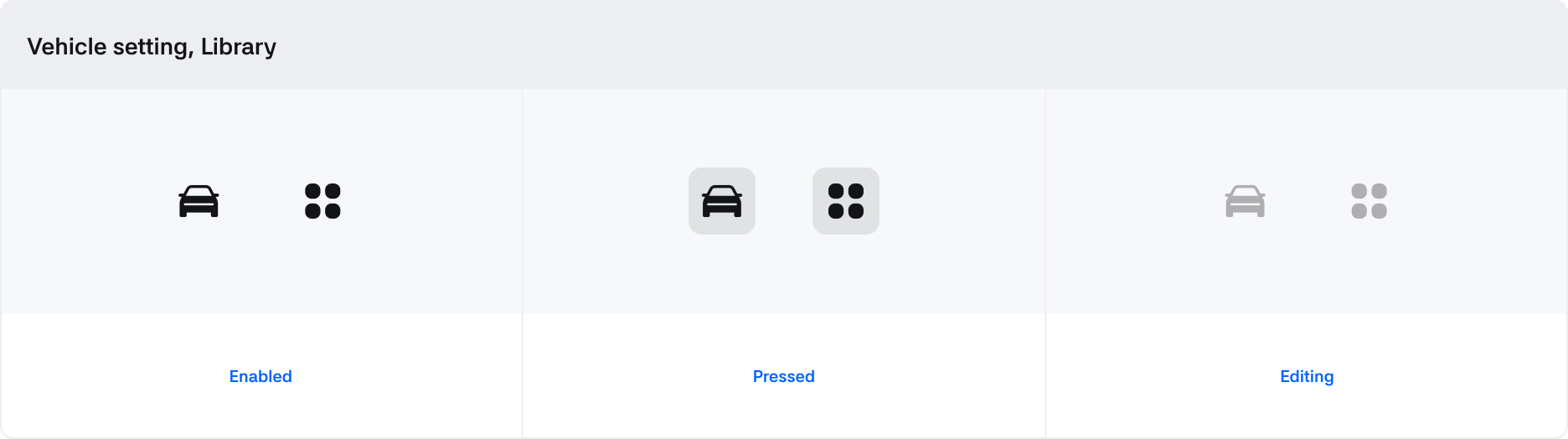
States
GNB menus
On Screen Display (OSD)
A panel that appears when controlling vehicle or apps using the steering wheel buttons.
- The OSD panel shows the changed status when operating IVI functions via physical buttons.
- In Connect-S, it appears in the GNB area. In Connect-W, it appears at the right side of the GNB area.
- If there is no further interaction after the OSD panel appears, it disappears automatically after 2 seconds.
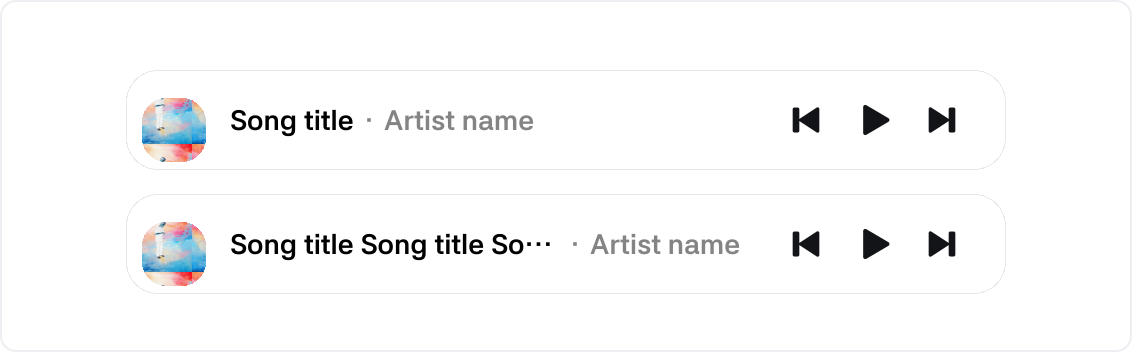
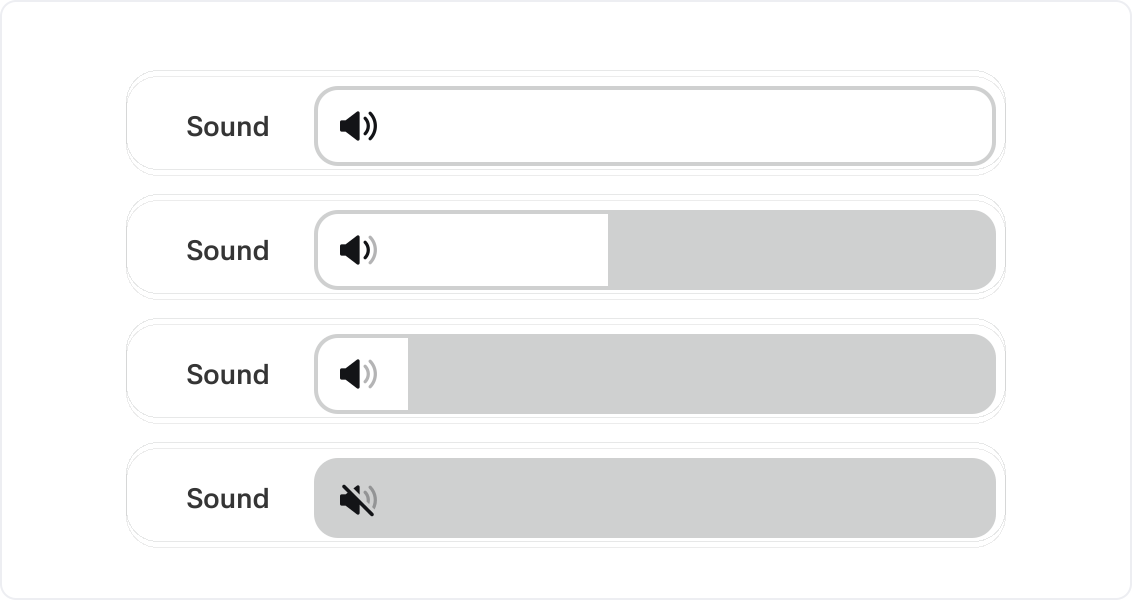
Case 1. Media & Sound Control
When the driver adjusts music or sound, the passenger can easily select music or adjust volume.
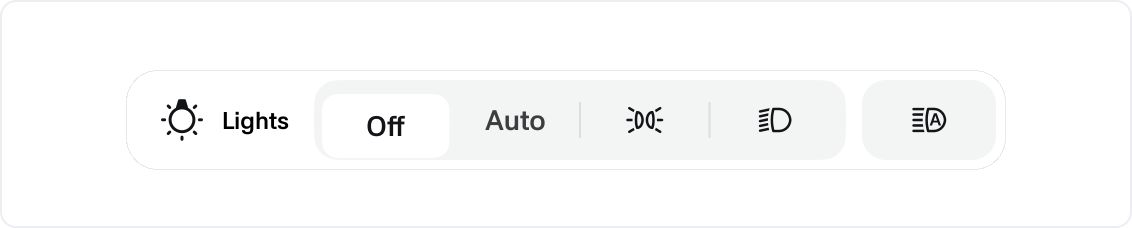
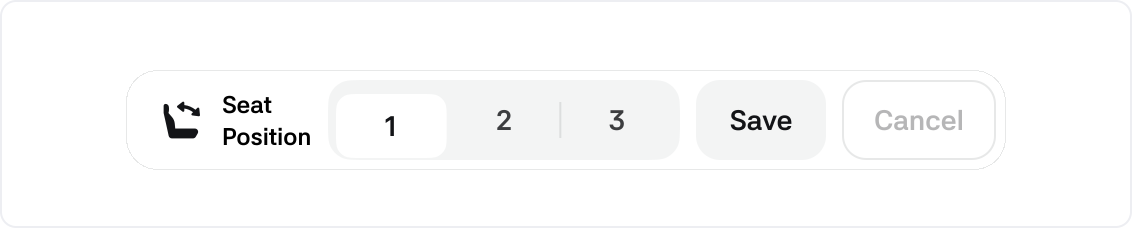
Case 2. Vehicle Control
You can quickly adjust levels or operate additional features such as Wiper, Light, and Seat Position controls.

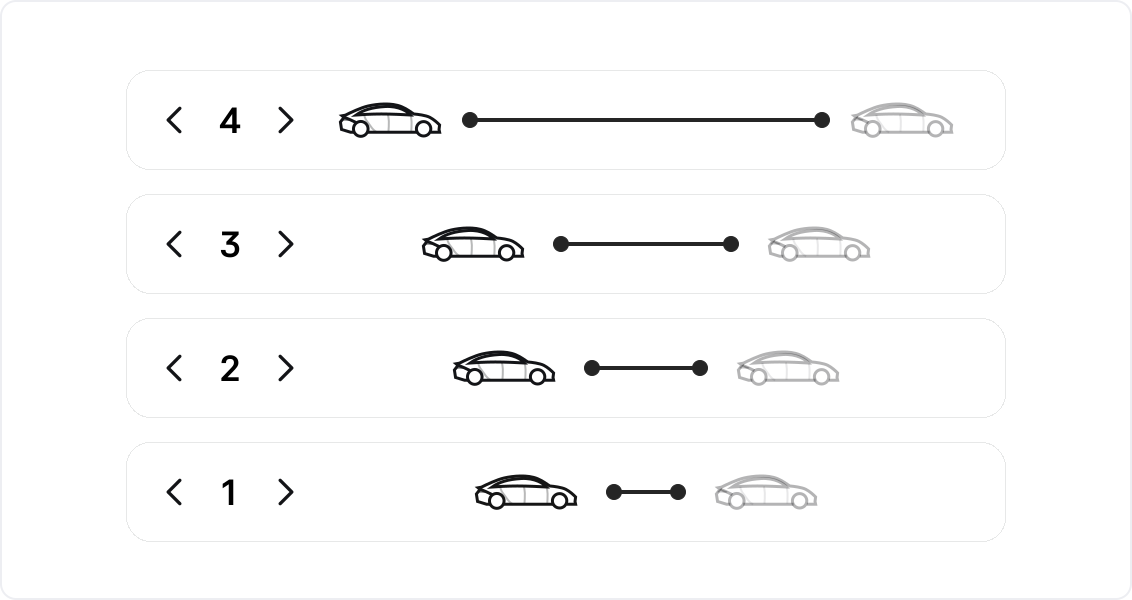
Case 3. Distance Control
You can adjust the distance to the car ahead while driving.