Checkbox
One of the switches that requires in-vehicle operation and can provide options for multiple selections.

1. Root : The minimum container area that wraps the Checkbox component
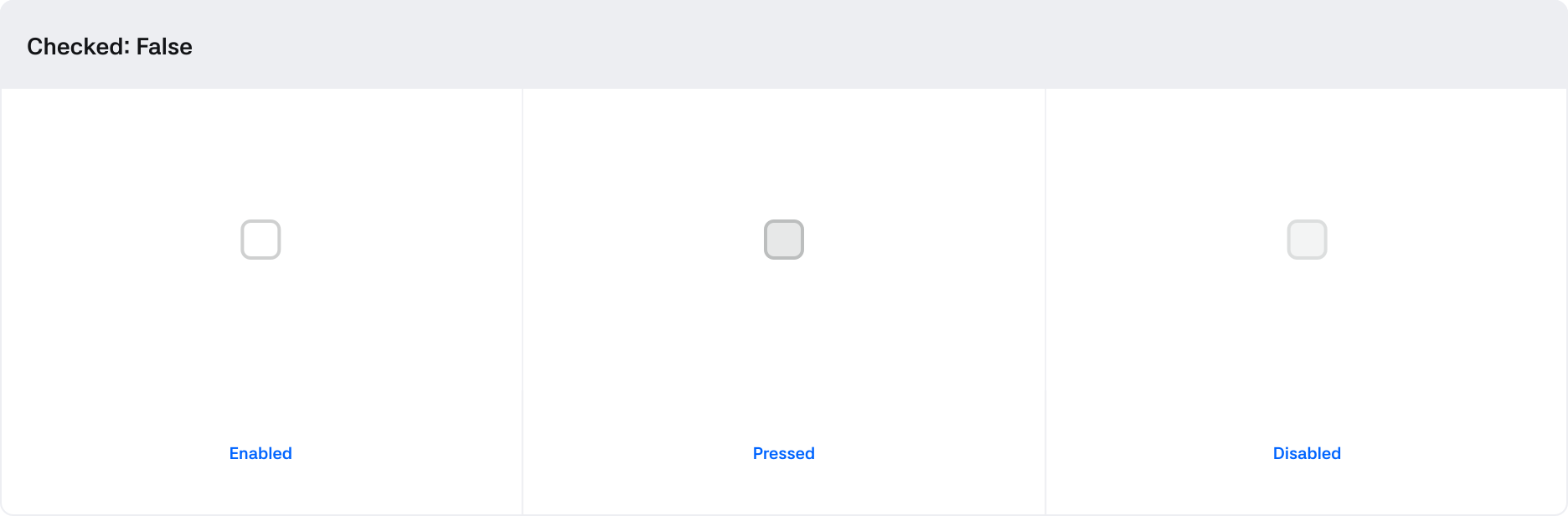
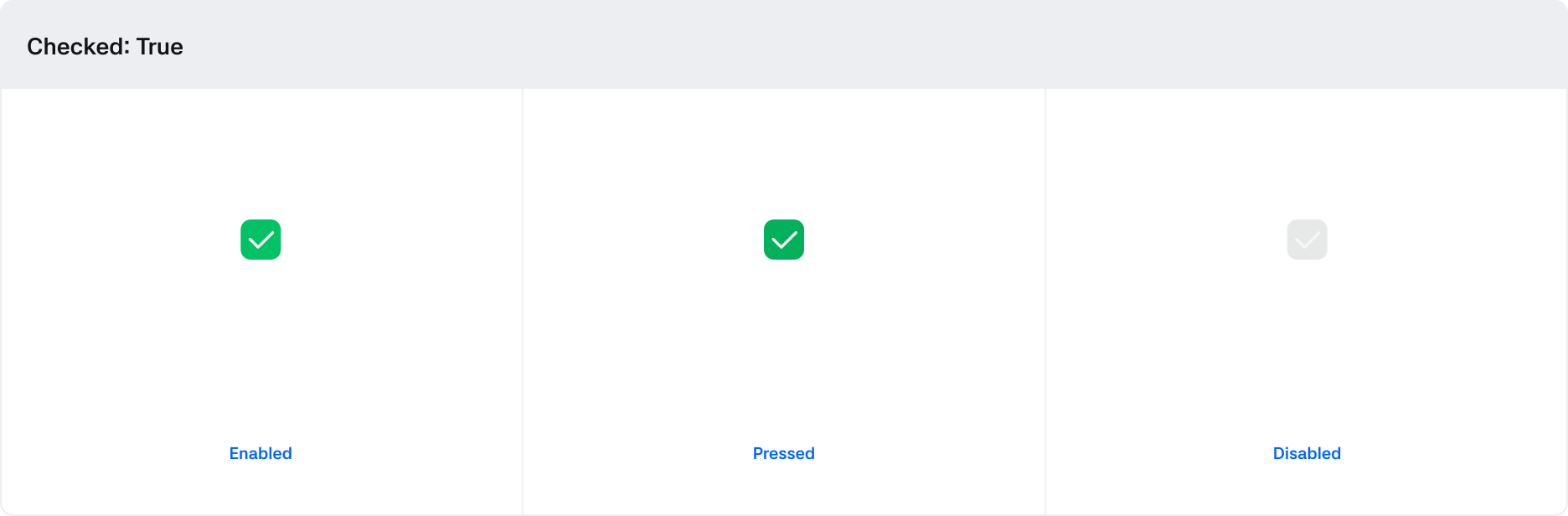
2. Control : A visual element that indicates the state of the checkbox
3. Icon : An icon that conveys information regarding the checkbox
States
| State | Value | Description |
|---|---|---|
| Checked | Boolean | Switches to True when the checkbox is checked |
| Pressed | Boolean | Switches to True when being clicked via touch |
| Disabled | Boolean | If True, the checkbox becomes non-interactive |
Behaviors