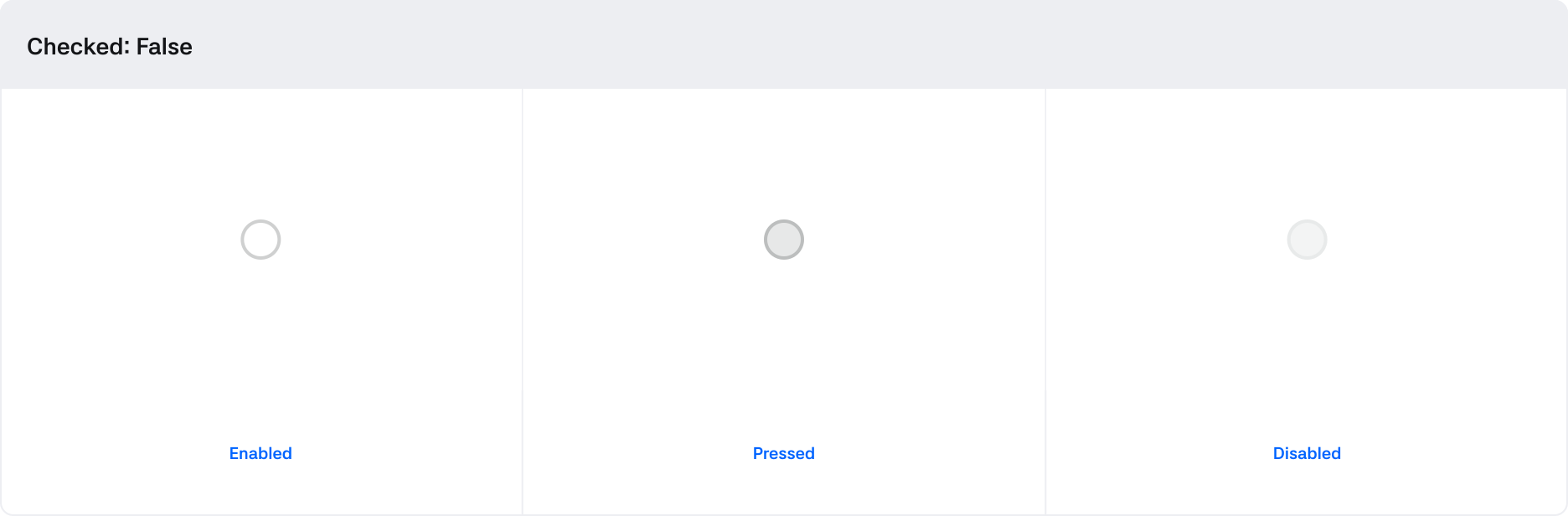
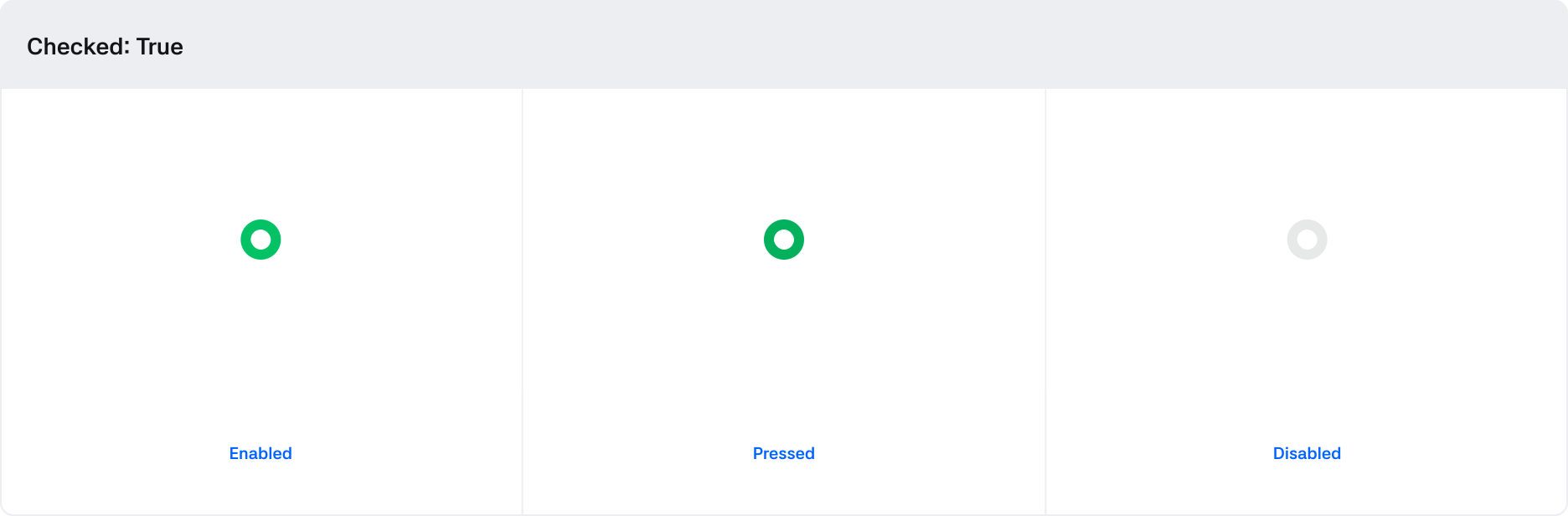
Radio button
Used for one of the switches in the vehicle that requires operation, providing an independent selection option.

1. Root : The minimum container area that wraps the Checkbox component
2. Control : A visual element that indicates the state of the checkbox
States
| State | Value | Description |
|---|---|---|
| Value (Selected) | Num / Null | Null: Unselected Radio Num: The order value of the selected Radio |
| Pressed | Boolean | Turns True when being clicked by touch |
| Disabled | Boolean | If True, Radio is in a non-controllable state |
| Invalid | Boolean | If True, indicates an invalid value |
Behaviors