Status bar
The status bar is an area that allows the driver to recognize driving information and key system statuses.

Anatomy
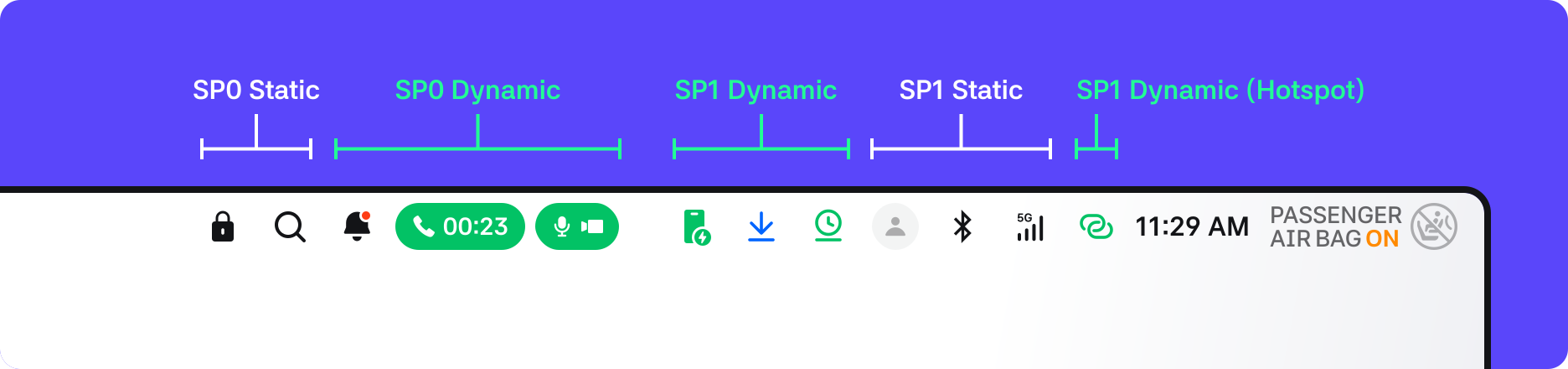
1. SP0 Static: Displays buttons or statuses with high priority that must always be shown. Door Lock and Search states are displayed.
2. SP0 Dynamic: Displays high-priority buttons or statuses triggered by events within the menu. Notification center, In-call status, and privacy indicator are displayed.
3. SP1 Dynamic: Displays low-priority buttons or statuses triggered by events within the menu. Download, Update, WPC, Hi-Pass, and Sound status are displayed.
3-1. SP1 Dynamic Hotspot button : Hotspot button is placed to the right of SP1 Static > network due to its high network relevance.
4. SP1 Static: Displays low-priority buttons or statuses that must always be shown. Profile, bluetooth, and network statuses are displayed.
5. Time: Displays real-time time in 24h or 12h format depending on system settings.
6. PAB: Indicates the passenger airbag activation status. However, it is displayed in IVI only when the vehicle hardware does not have a PAB indicator.
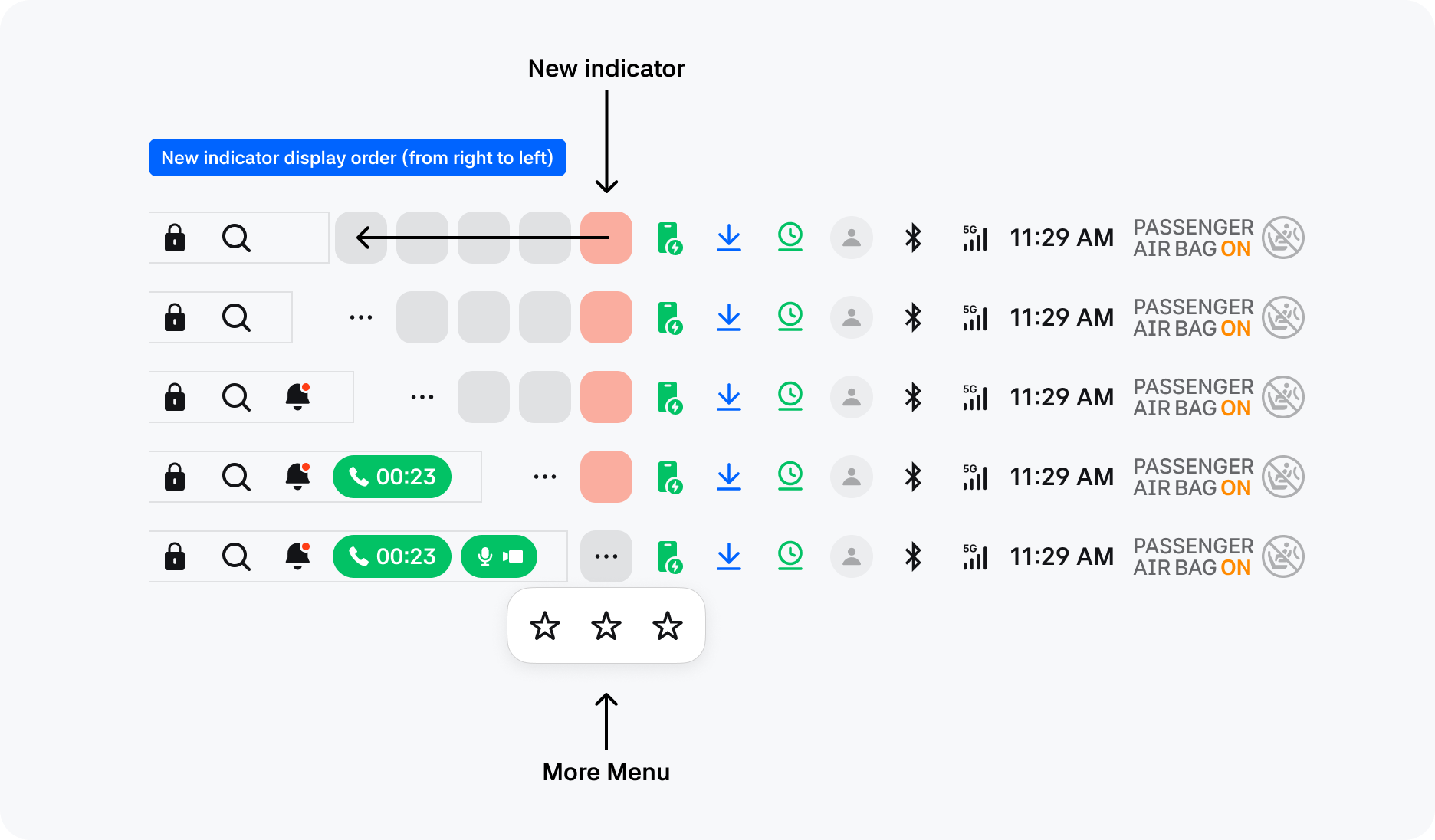
7. More Menu: Displays additional icons that cannot fit within the area.
- To visually distinguish between the SP0 and SP1 areas, a 40dp safe bound is included as right padding.
- If the SP1 dynamic indicator does not have sufficient space, it is moved to the “More” menu.
- If the SP0 dynamic indicator expands, the available area for the SP1 dynamic indicator decreases.
Menu states
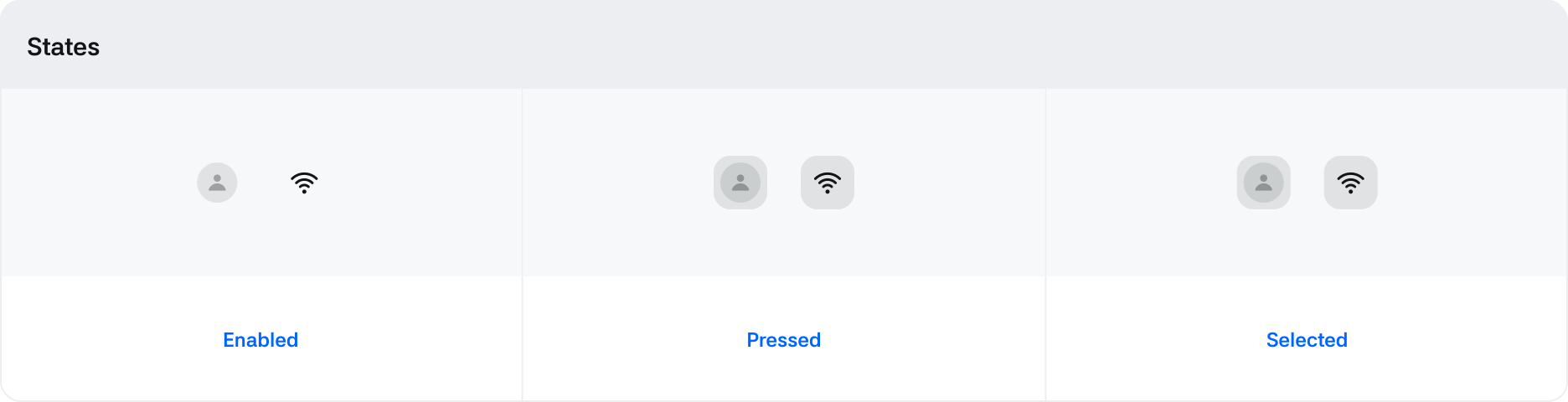
Static icon
| State | Value | Default Value | Description |
|---|---|---|---|
| Pressed | Boolean | False | Changes to True when being clicked via touch |
| Selected | Boolean | False | Changes to True when activated |
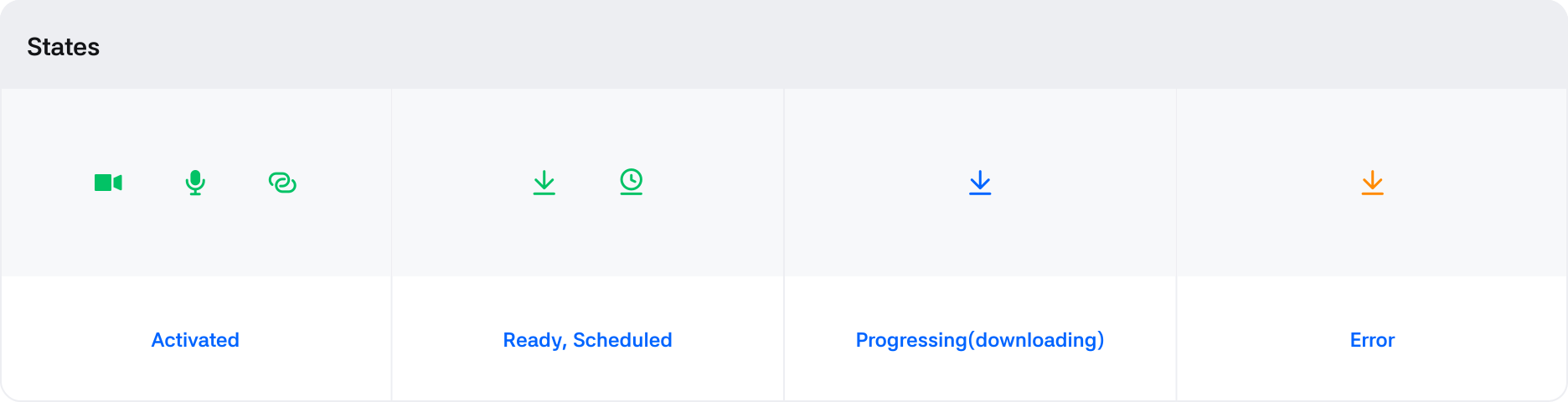
Dynamic icon
| State | Value | Default Value | Description |
|---|---|---|---|
| Activate | Boolean | False | Displayed to the left of the static indicator in order of occurrence |
Menu panels
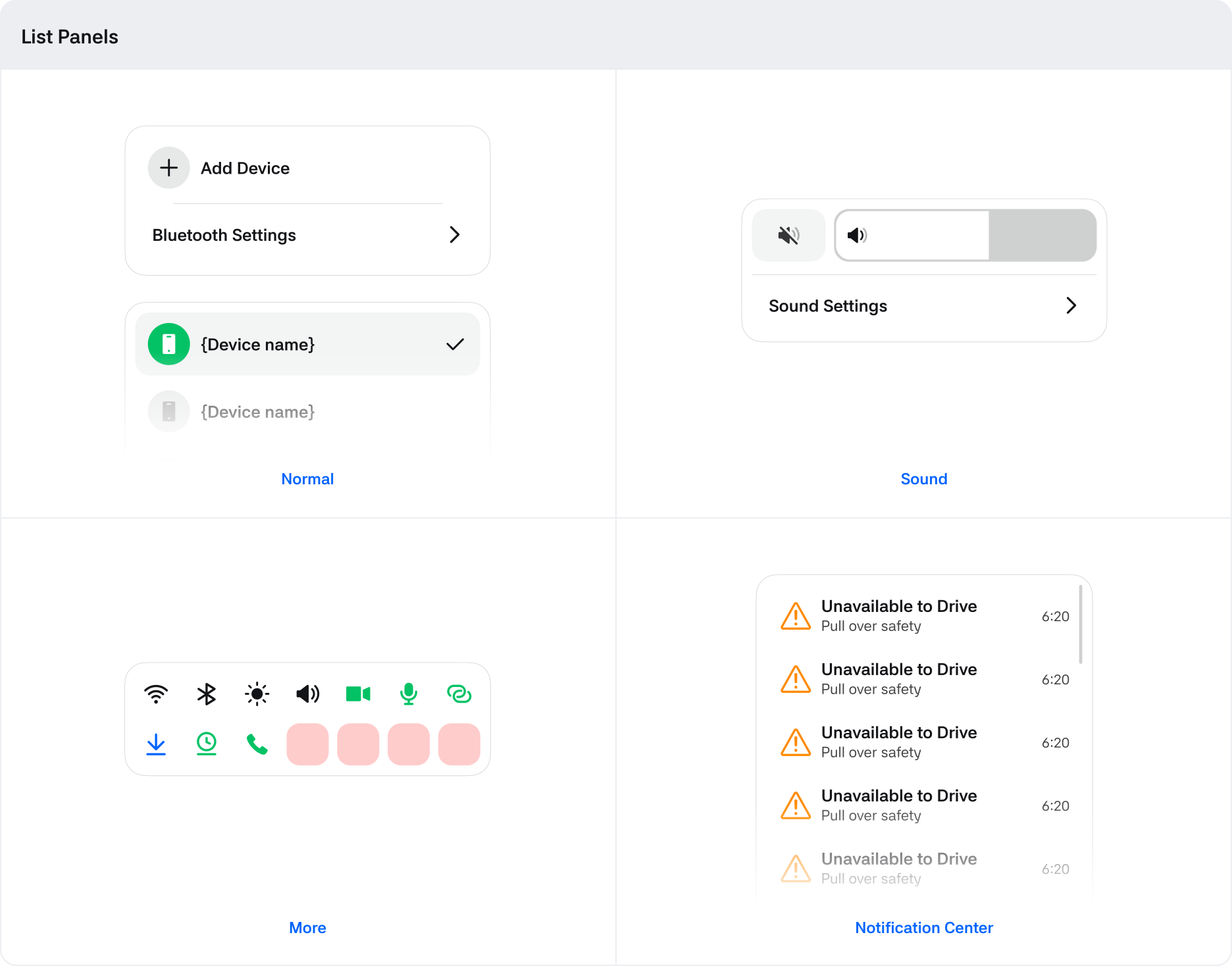
By clicking the status menu, additional features required for providing app services (such as device connection, profile switching, notifications, etc.) can be offered.
| States | Value | Default Value | Description |
|---|---|---|---|
| Pressed | Boolean | False | Changes to True when being clicked via touch |
| Selected | Boolean | False | Changes to True when activated |