App Icon
The App Icon is a representative image for services provided inside the vehicle, and is used in places like the GNB, App Library, and App Market.
App Icon Design Principles
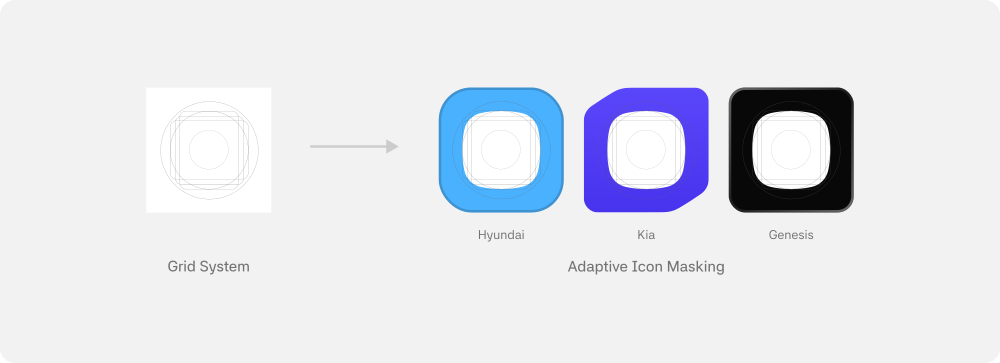
- Grid system: Design icons using the grid system.
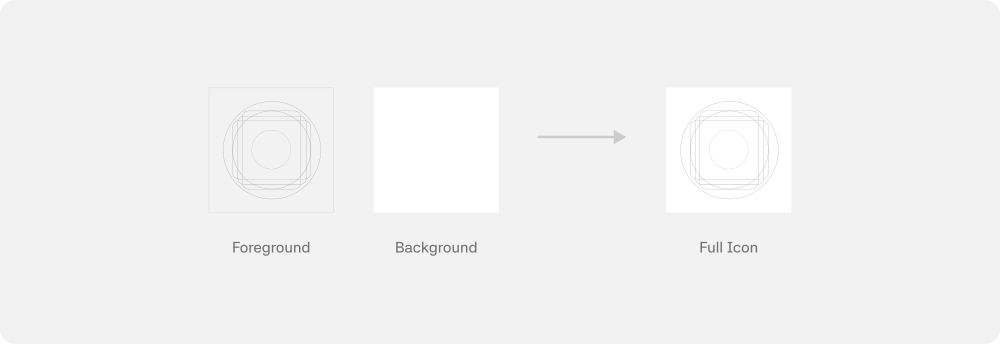
- Layer: Separate the icon into Foreground (logo/main graphics) and Background layers.
- Style: Apply icon styling according to each vehicle brand's Pleos Connect OS design policy.
Adaptive Icon Structure
Adaptive Icons consist of Foreground (logo/main graphics) and Background layers, and are rendered in various shapes through system masking.
Vehicle brand icon styles in Pleos Connect OS are also designed in Android Adaptive Icon format.
For detailed production rules, refer to the Adaptive Icon Design Guide.
Design Resources
We provide a Figma template where you can review the Grid System and vehicle brand-specific masking styles for App Icon creation. You can download this template from Pleos Connect Design Assets in the Pleos Connect UI Design Guide.