Window Policy
| Connect-S | Connect-W | |
|---|---|---|
| Screen Layout | 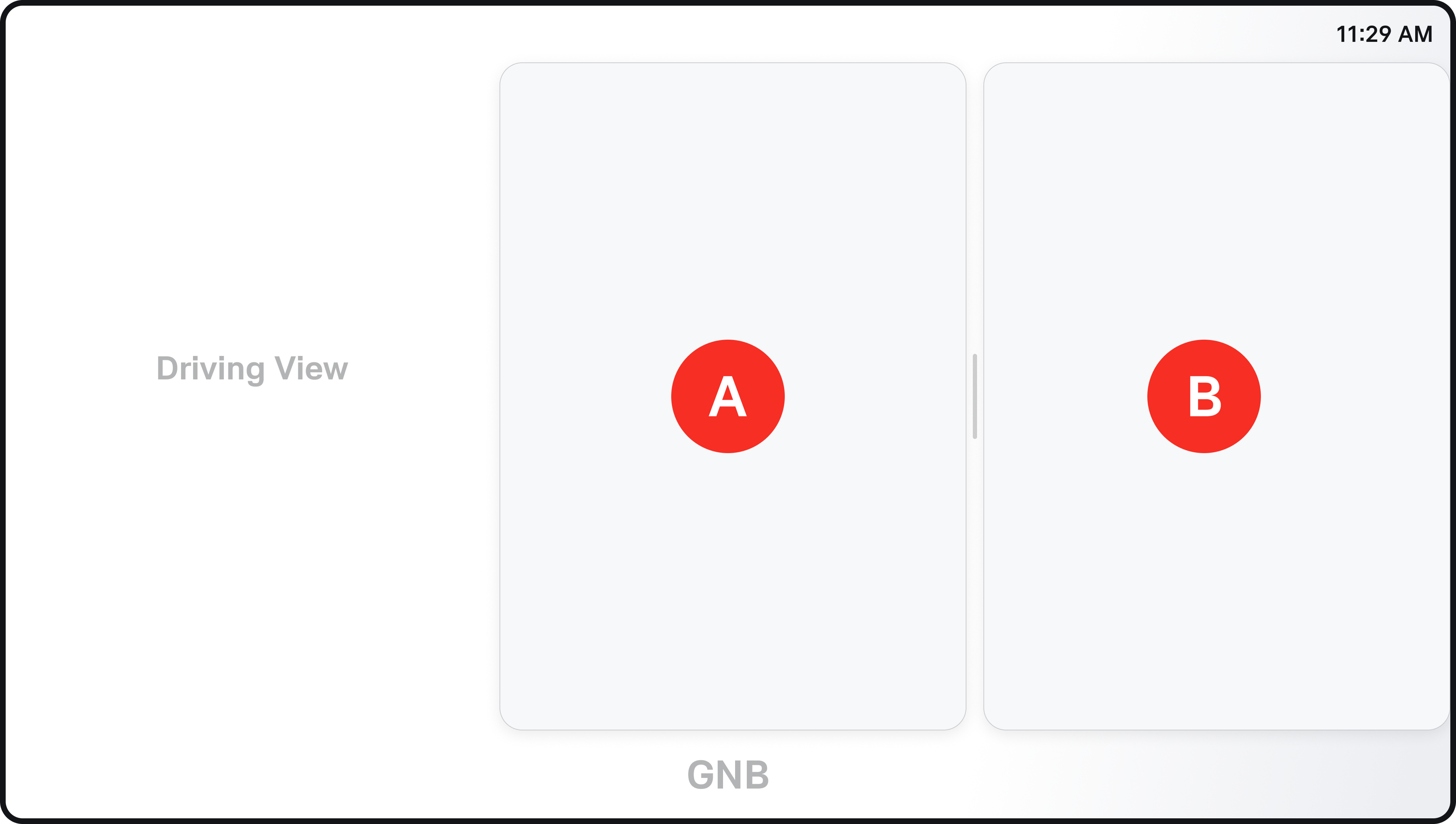 When 2 apps are running: 1:1 When 1 app is running: 2:0 (Default: 1:1) | 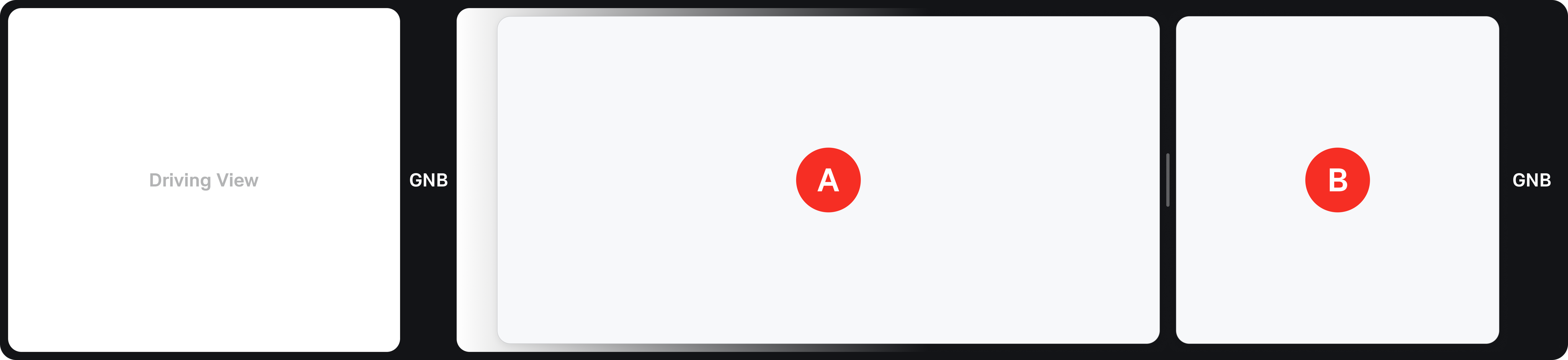 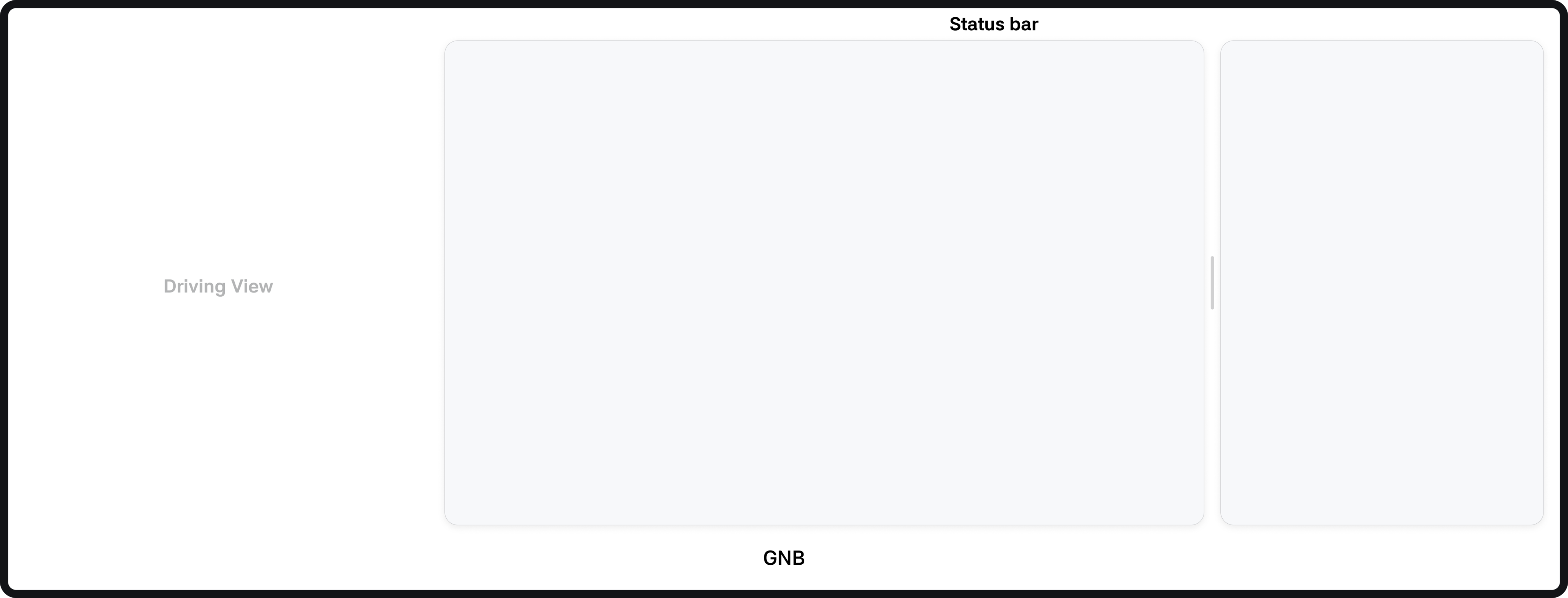 Provided in a 2:1 or 1:2 ratio (Default: 2:1) |
| Default Screen | 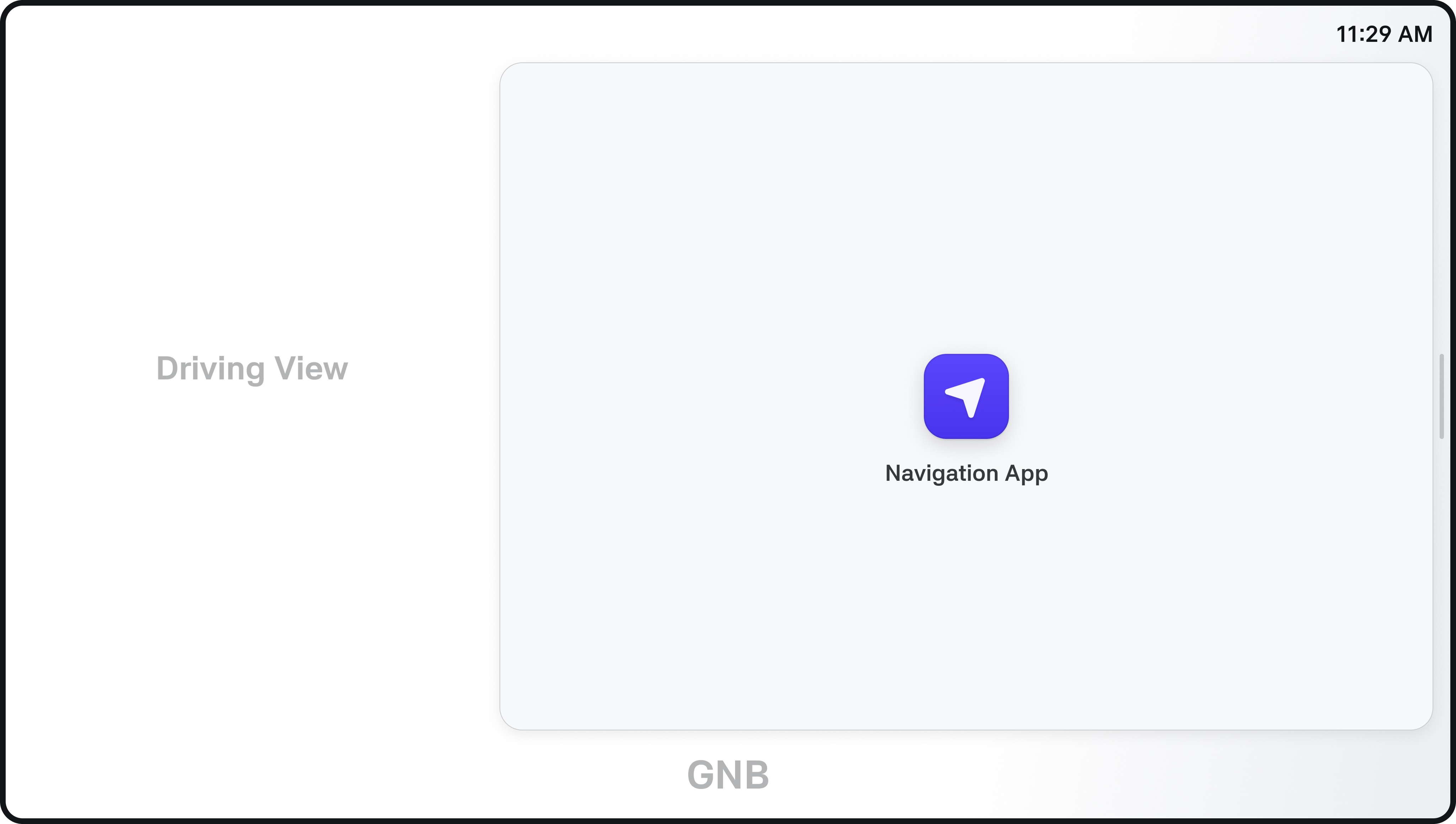 On first IVI launch - Primary: Navigation app After re-entry - Primary: Navigation app | 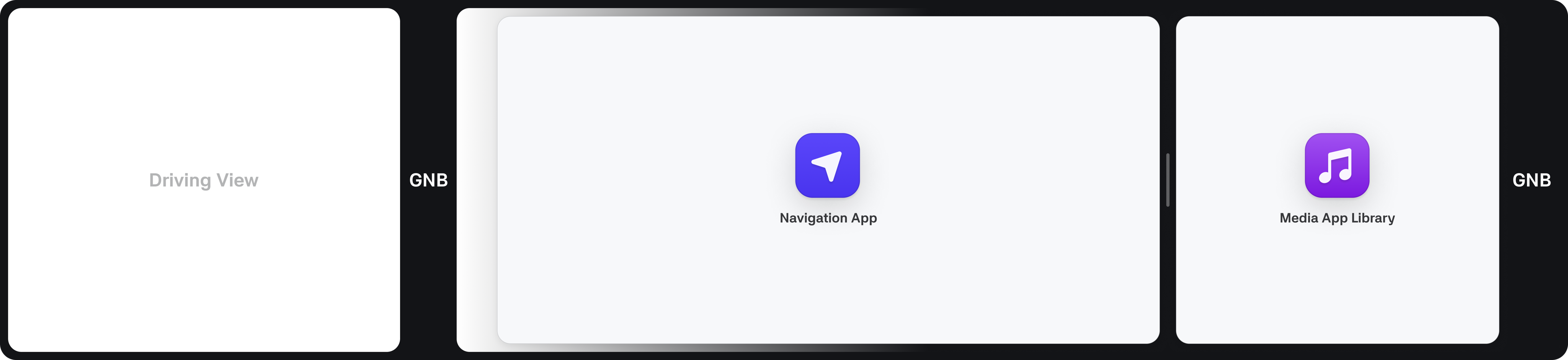 On first IVI launch - Primary: Navigation app - Secondary: Media app After re-entry - Primary: Navigation app - Secondary: Last used Media app by the driver |
| When launching an app | New app is displayed with the same orientation as the previous app - If a single landscape app is already running, the new app runs in landscape mode - If two portrait apps are already displayed, the new app runs in portrait mode in the primary window area Apps removed from the screen are not terminated; if a displayed app is closed, apps reappear in order of most recently activated | New app is always displayed in landscape mode in the primary window - The app previously in the primary window moves to the secondary window - The app in the secondary window disappears Apps removed from the screen are not terminated; if a displayed app is closed, apps reappear in order of most recently activated |
| App Window Position Change | You can change the position of the two apps using a three-finger swipe or tapping the window bar | You can change the position of the two apps using a three-finger swipe or tapping the window bar |
| App Window Size Change | You can switch between landscape and portrait by dragging the window bar with three fingers or tapping the app window button | You can switch between landscape and portrait by dragging the window bar with three fingers or tapping the app window button |
| App Termination | Terminate the app using a three-finger swipe After termination, apps are displayed from most recently activated right to left - If a landscape window is closed, it is displayed in landscape - If a portrait window is closed, it is displayed in portrait The default app (Navigation) cannot be closed. If all apps are closed, the screen returns to the state when IVI was first launched | Terminate the app using a three-finger swipe After termination, apps are displayed from most recently activated right to left - If the primary window is closed, the secondary window is shown in the same orientation in the primary window position - If the secondary window is closed, the latest app is shown with the same orientation as the closed app The default navigation app cannot be closed; if all apps are closed, the screen reverts to the initial IVI launch state |
Connect-W specification
- The maximum number of apps that can run simultaneously is limited to 2.
- The App launcher (App library) appears on both the driver and passenger sides.
- The status bar is located between the driver GNB and app area.
- If an app is launched from the passenger-side App library, it only runs in the passenger window.
Please Note
- Preloaded apps provided by Pleos Connect support both landscape and portrait views.
- The landscape view of Driving view has been removed, and a resize handle is not provided.
- Deep link (App to App): When App B is launched from App A, it overlays App A. After App B's function is complete, the screen returns to App A.
- An exception will be applied to allow 3:0 windows such as the rear camera view to be shown full screen.