Introduction
FusedLocation SDK Overview
The FusedLocation SDK provides APIs for apps to receive vehicle location data. Pleos Connect apps integrate with the Pleos Connect FusedLocation Service through the FusedLocation SDK.
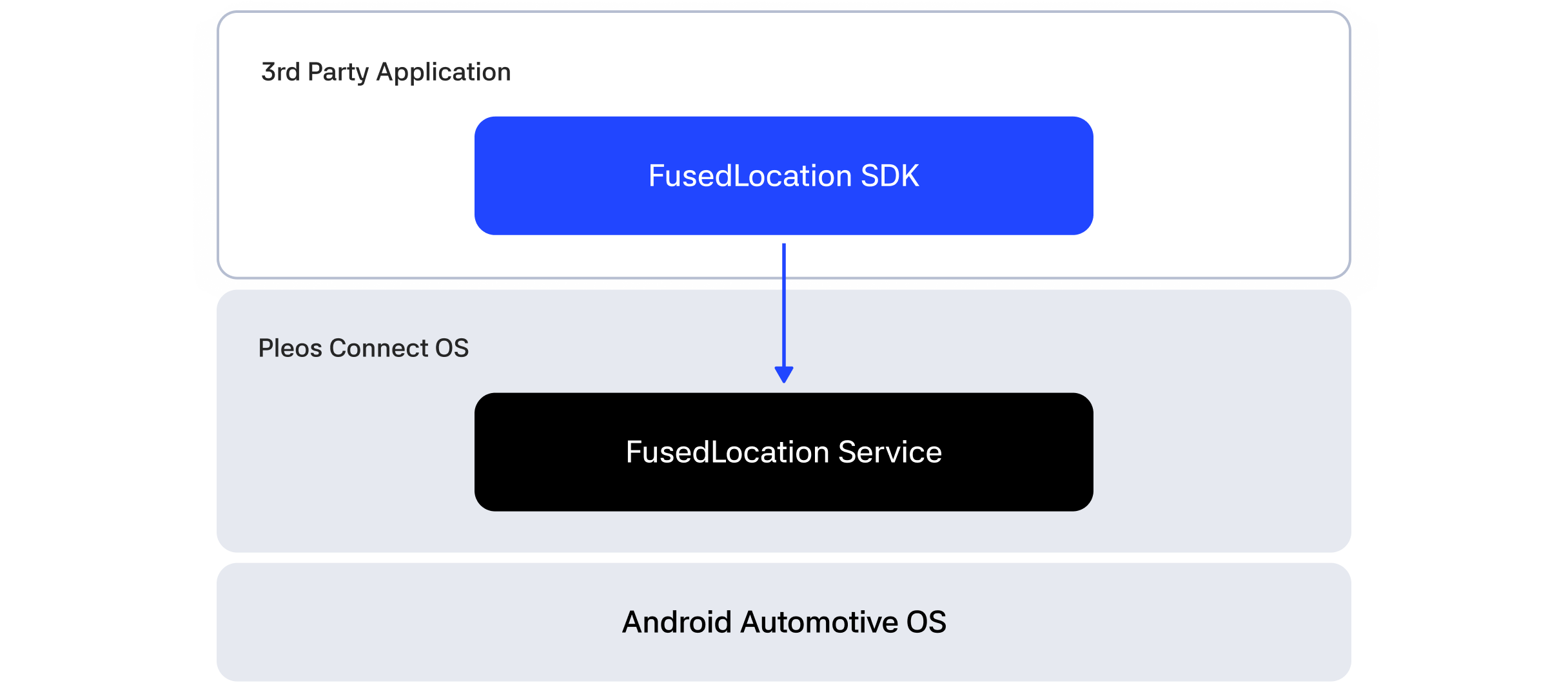
This guide is based on FusedLocation SDK v1.1.2.
Available features
The FusedLocation SDK provides the following ways to access location data:
- Retrieve the last known location once:
getLastKnownLocation() - Receive location updates:
registerFusedLocationCallback() - Stop location updates:
unregisterFusedLocationCallback() - Check whether the current environment supports the FusedLocation SDK:
isSupported() - Show an access-blocked notification popup:
showLocationAccessBlockedPopup() - Add and remove proximity alerts with
addProximityAlert()andremoveProximityAlert()
getLastKnownLocation() returns the most recent location currently available; it does not calculate a new location. The callback may receive null when location data is unavailable.
Check the FusedLocation SDK support status
Before using the FusedLocation APIs, call isSupported() to check whether the current execution environment supports them.
If the environment is not supported, disable or hide the FusedLocation features in the app.
Entry point
FusedLocation is the main entry point to the SDK. The typical usage flow is as follows:
- Create a
FusedLocationobject. - Call
isSupported()to check whether the current execution environment supports the FusedLocation SDK. - Initialize the SDK with
initialize(). - Retrieve the last known location with
getLastKnownLocation()or start receiving location updates withregisterFusedLocationCallback(). - Stop receiving location updates with
unregisterFusedLocationCallback(). - Call
release()to release resources when the SDK is no longer needed.
See the FusedLocation API Reference for the package structure and complete API specifications.
Location data
Location results are delivered as LocationData. It includes latitude, longitude, altitude, heading, confidence, and a timestamp. For field types and details, see the LocationData API Reference.
Permissions and access restrictions
The pleos.car.permission.FUSED_LOCATION permission must be declared to use the location APIs. The required permission is defined for each relevant location API in the SDK Dokka API Reference. See Declaring Permission for details.
The behavior of Android ACCESS_COARSE_LOCATION, ACCESS_FINE_LOCATION, and ACCESS_BACKGROUND_LOCATION, including foreground and background location access policies, is not separately guaranteed in this SDK documentation. Do not interpret Google Fused Location SDK documentation as a guarantee of Pleos Connect behavior.
Emulator setup
Develop and validate FusedLocation SDK applications in the Pleos Connect Emulator environment. Prepare your development environment as follows.
- Check software development environment requirements
- Install the Pleos Connect Emulator
- Create and run an AVD
- Set up Pleos Connect Virtual Console
- Configure microphone access
- Configure cold boot