Introduction
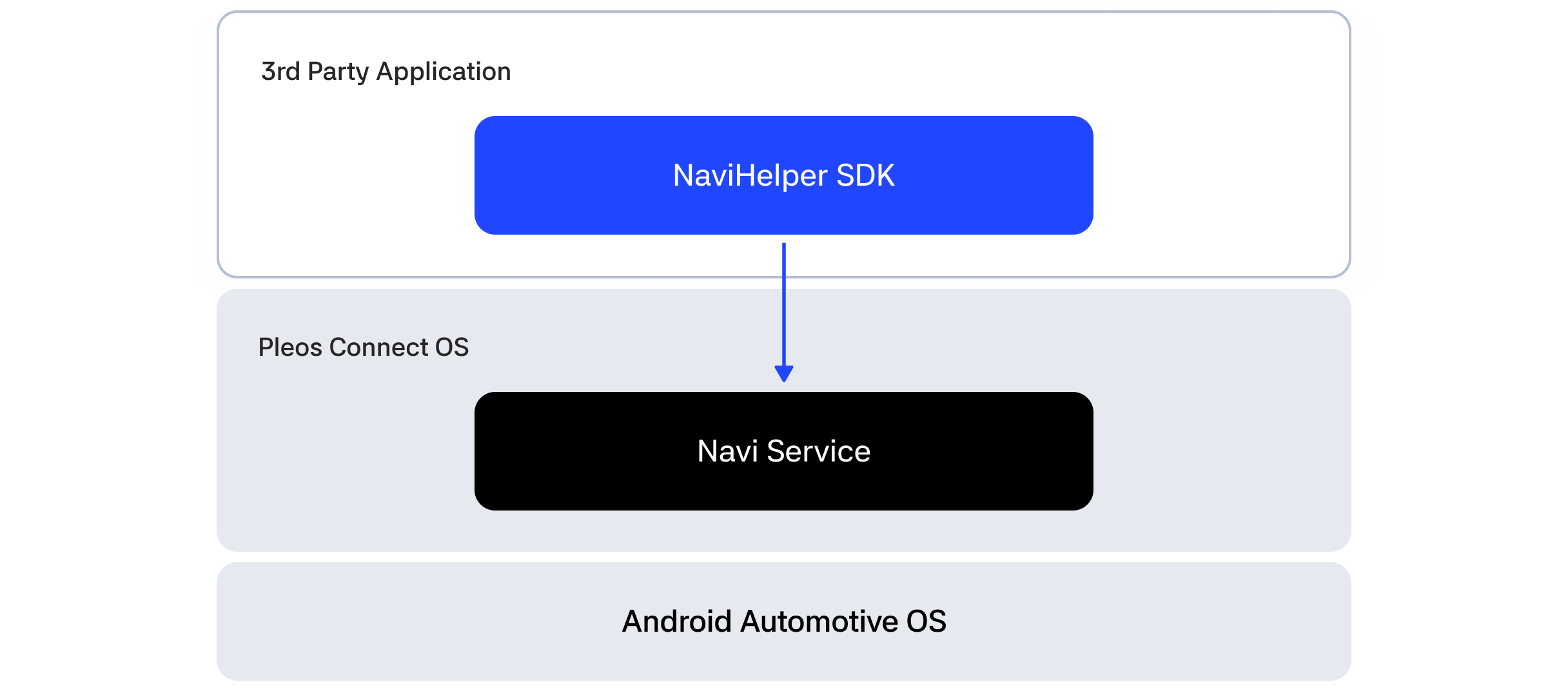
The NaviHelper SDK provides APIs for controlling route guidance and retrieving navigation information. Third-party apps use the NaviHelper SDK to integrate with Pleos Connect's Navi Service. When a third-party app requests destination or waypoint settings, route changes, navigation information, or a Navigation screen, Navi Service processes the request and delivers the result and driving-state changes as events.
This guide is based on NaviHelper SDK v3.0.5.
NaviHelper SDK Introduction
The NaviHelper SDK provides the following features:
- Set, check, and cancel a destination
- Change route options and request rerouting
- Add, retrieve, and remove waypoints
- Request a route with waypoints (Route requests with waypoints)
- Receive route search and driving-state events
- Retrieve navigation information and request a Navigation screen (see the API Reference)
NaviHelper forwards requests to the Pleos Connect Navigation app. Request results and changes that occur while driving are delivered through NaviHelperEventListener callbacks. The events that are delivered may vary depending on the implementation and current state of the Navigation app.
Entry point
NaviHelper is the entry point to the SDK. Use the SDK in the following order:
- Create a
NaviHelperobject. - Initialize the SDK connection with
initialize(). - Register an event listener with
addListener(). - Call a route request or information retrieval API.
- Handle the result and state changes through callbacks.
- Clean up resources with
removeListener()andrelease().
For the package structure and complete API specifications, see the NaviHelper API Reference.
Emulator setup
To use the NaviHelper SDK, install the Pleos Connect Emulator in Android Studio and configure an AVD.
- Check software development environment requirements
- Install the Pleos Connect Emulator
- Create and run an AVD
- Set up Pleos Connect Virtual Console
- Configure microphone access
- Configure cold boot